Accesstive Product Updates

What's New in Accesstive: Product Updates

Track every latest change and improvement we’ve made to keep your experience better than ever.


View Changelog

Oct 2026: New Widget Tools and Two Profiles
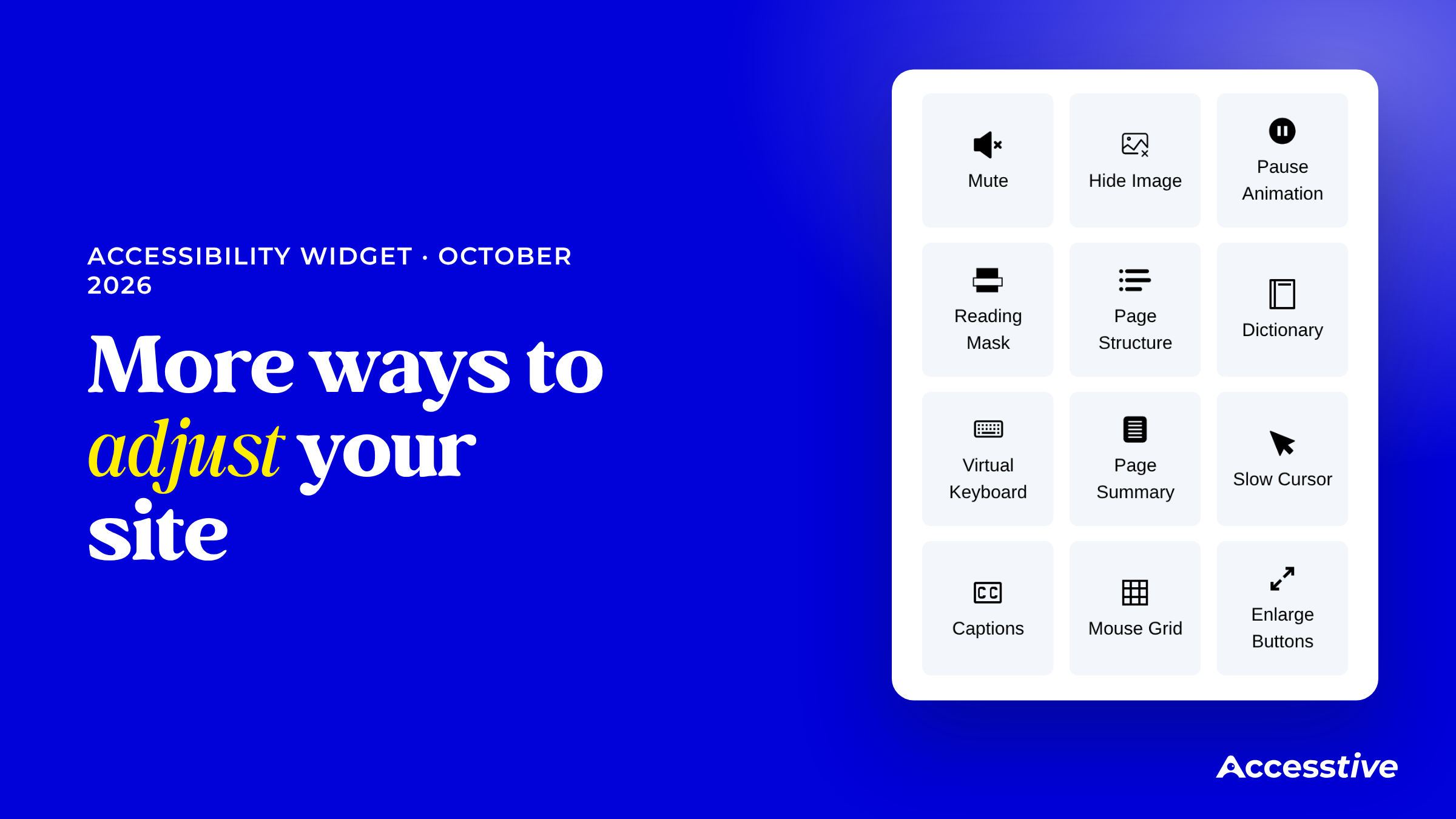
More ways to adjust your site: the Accessibility Widget panel with the new tools Dictionary, Virtual Keyboard, Page Summary, Slow Cursor, Captions, Mouse Grid and Enlarge Buttons.

Visitors now have more ways to read, see and move through your site. The Accessibility Widget adds new tools and two new profiles this month.

What's new

  • Page Summary: a short overview of the page, with reading time, key points and links to the page's sections.
  • Dictionary: visitors select a word to see its meaning, or press Ctrl + Alt + 5.
  • Virtual Keyboard: an on-screen keyboard over the page.
  • Captions: a captions bar for video and audio that stays on as visitors move between pages.
  • Mouse Grid: a numbered grid over the page. Visitors pick a cell with keys 1 to 9 and press Enter to click, without a mouse.
  • Slow Cursor: a slower cursor, switched on from the panel.
  • Enlarge Buttons: larger buttons, switched on from the panel.

New profiles

  • Epilepsy and Parkinson's Disease: two profiles added to the panel.

Why it matters

Visitors who find a mouse hard to use can now click on the page from the keyboard, with Mouse Grid.

Where to find it

Visitors open the widget on your site. You set up its profiles and look in your dashboard, under Widget.

Learn more about Accessibility Widget

Sep 2025: Clearer Reports, Cleaner Hand-offs
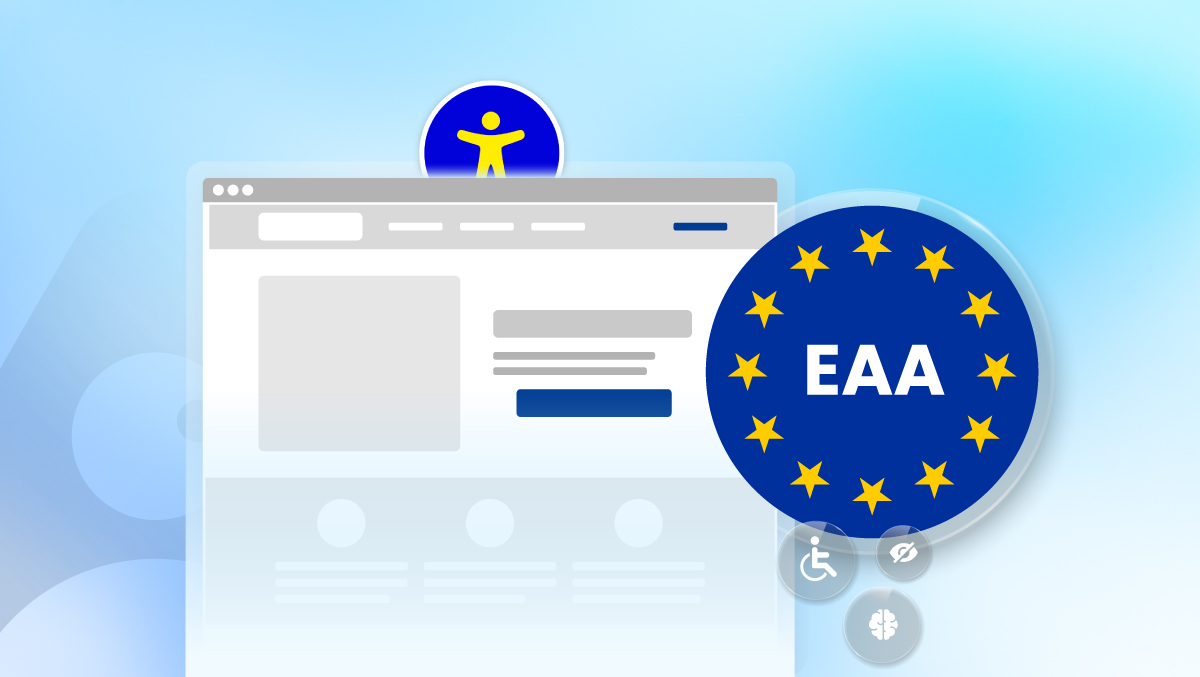
EU Accessibility Act and BFSG documents with a blue background and a symbol of accessibility amid stars.

What's new

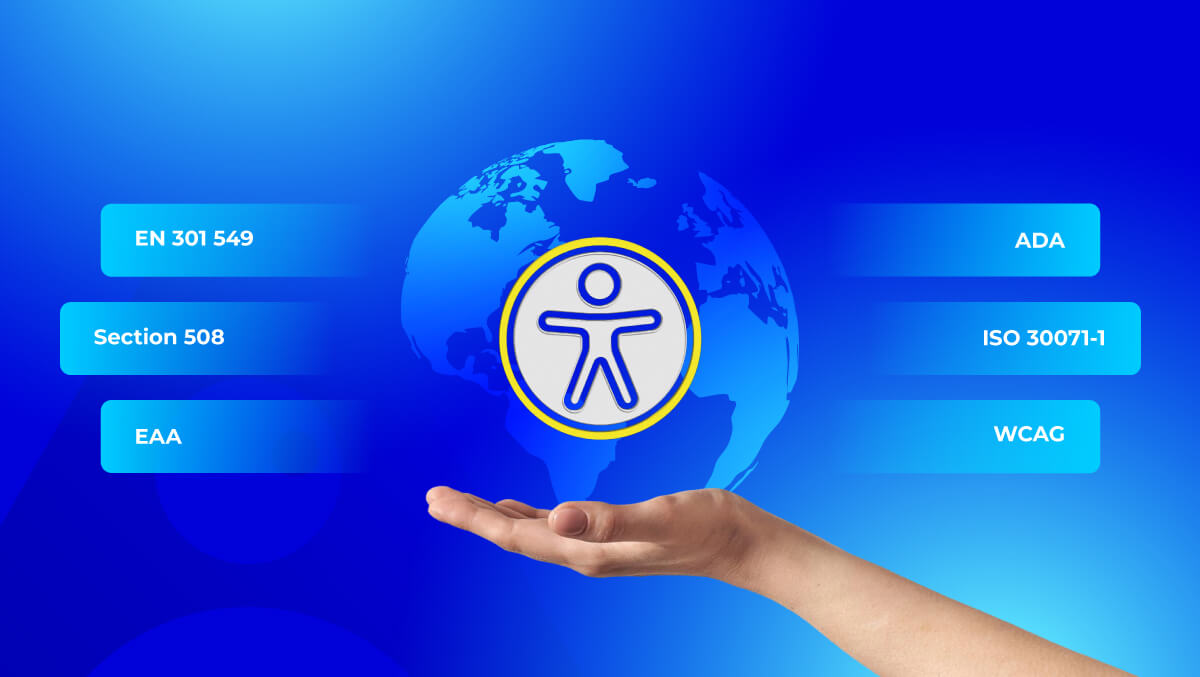
  • Updated rule maps and one-page summaries that link each finding to its WCAG success criterion. Accesstive scans against WCAG 2.2 AA; BFSG and the European Accessibility Act reference WCAG 2.1 AA through EN 301 549.
  • Evidence on issues (screenshots, notes, code) and clear statuses from New to Completed.

Why it matters

Clearer reports, cleaner hand-offs: less back-and-forth with reviewers and more issues closed.

Learn more about Accessibility Fix Hub

Aug 2025: See the Progress
Graph showing a blue upward trend arrow, with icons for a bell, people, and text "Accessstive" on a gradient background.

What's new

  • Trends and changes: weekly and monthly improvement by WCAG category.
  • Regression Alerts after each deploy, to catch backslides early.
  • Portfolio focus: surfaces the sites where attention pays off now.

Why it matters

Accessibility is an ongoing process. Leaders see progress; teams act sooner and prove impact over time.

Learn more about Accesstive

Jul 2025: Monitor at Scale
Dashboard displaying an AI scan progress, ratings, errors, warnings, and coding issues with a graphic indicating monitoring.

What's new

  • Faster queues, bulk actions, clearer statuses and stronger baselines and history in Accessibility Monitor.
  • Multi-site triage that keeps pace with release cycles.

Why it matters

Large programs move faster with less noise.

Learn more about Accessibility Monitor

May 2025: Live Audit, Issues in Place
Website interface displaying a live audit tool with accessibility issues, including categories and counts.

What's new

  • Launched Accessibility Live Audit: issues highlighted in place on the live page, with the exact element and rule.
  • Filter by severity, by standard and by disability group; re-scan on demand and export the results.

Why it matters

Teams see each issue where it happens, so it is easier to explain and faster to fix.

Learn more about Accessibility Live Audit

Mar 2025: Open Beyond One CMS
Open box with logos for Elementor, WordPress, Joomla, and Accessstive on a blue background.

What's new

  • Integration plugins entered active build for WordPress, Drupal and Joomla.
  • Unified portfolio view across stacks; one workflow regardless of CMS.

Why it matters

Every site, one process. Mixed environments are managed in one place.

Learn more about Accesstive

Feb 2025: Monitor Turns the Lights On
Illustration featuring a hand holding a tablet displaying various software interfaces and text about monitoring accessibility.

What's new

  • Launched Accessibility Monitor (alpha): scheduled scans, persistent issue IDs, history and site baselines.
  • Faster triage: statuses, quick filters and severities that map to real risk.
  • Portfolio view: compare movement across multiple sites in one place.

Why it matters

Accessibility becomes a program, not a one-off check. You can see progress, catch regressions and line up fixes in a shared queue.

Learn more about Accessibility Monitor

Jan 2025: Steel the Core
Miniature figures working on a computer screen displaying "Accessstive," with tools and wires on a table.

We tightened the engine before scaling features. Load tests, telemetry and crawl tuning cut scan times. Issue text got clearer, severities mapped better to real risk, and exports stayed light for smooth hand-offs.

Foundation work also set up what came next: persistent issue IDs, history tracking and cleaner status flows, so Accessibility Monitor could land on solid ground. The product itself stayed accessible by design: keyboard flow refined, focus states consistent, headings sensible.

Learn more about Accessibility Monitor

Dec 2024: From Draft to Platform
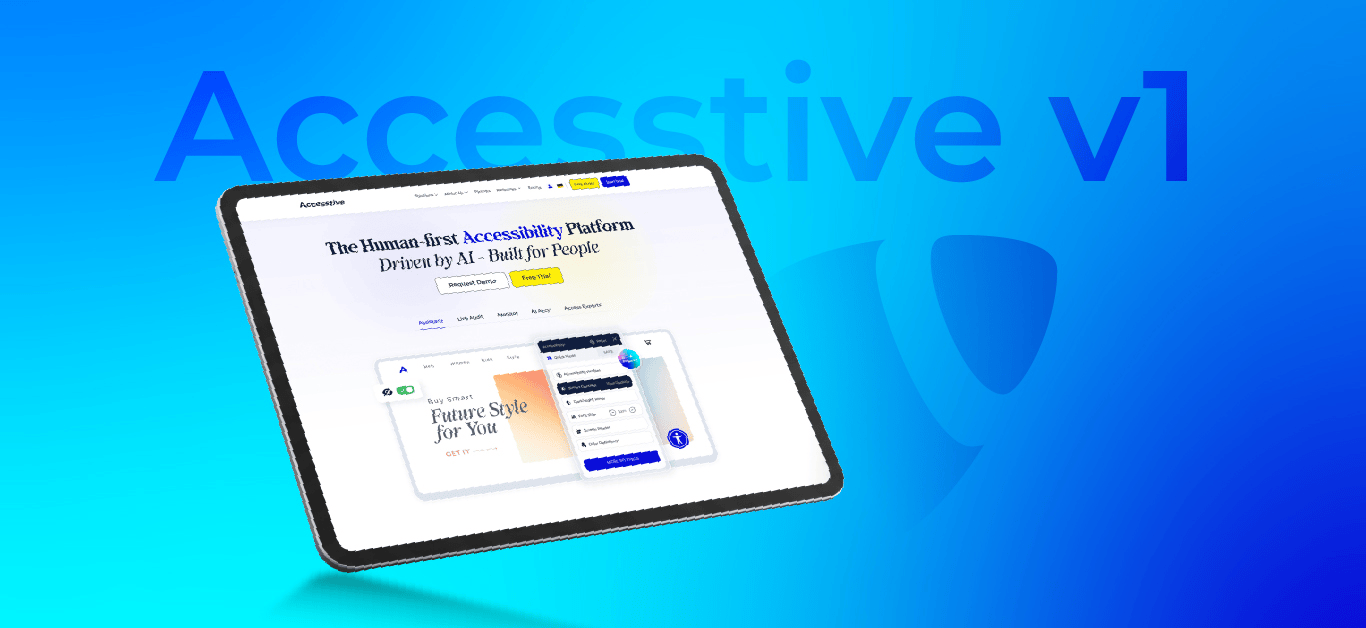
Tablet displaying an accessibility platform webpage on a blue gradient background with text "Accessitive v1".

We started as a TYPO3 extension draft. Then it clicked: accessibility isn't a single-CMS issue, and it deserves more. So we shipped Accesstive v1 as a standalone SaaS, with our TYPO3 roots at its core.

v1 delivers the essentials done right: WCAG checks for alt text, headings, labels, landmarks and contrast, clear severities and actionable reports in plain language. Editors know what to change; developers see exactly where to fix. And the product practises what it preaches: keyboard-friendly flows, sensible screen reader labels, readable contrast.

Learn more about Accesstive

Early Nov 2024: TYPO3 Roots, Real Problems
A man in a wheelchair uses a laptop, with the word "Accessitive" and various icons on a blue background.

After a decade in TYPO3, we kept seeing the same pain: teams wanted to know what was really wrong on their sites and how to fix it, not another checkbox. With Germany's BFSG on the horizon and clients asking for real progress, we chose the harder path: surface true issues and guide real fixes.

Our stance was simple: human-first. Automation for speed, experts for judgment. Clear language for editors, precise signals for developers. Measure progress over time, not just per scan. And whatever we ship must itself be accessible: keyboard-friendly, screen-reader-sane and readable.

So we scoped a lean start: a scanner that maps alt text, headings, landmarks, labels and contrast to WCAG, a clean taxonomy with severities and next steps, and reports teams can act on without drowning in PDFs. Accessibility + Positive = Accesstive: that's the bar we set from day one.

Learn more about Accesstive

Run a Free Speed & Accessibility Audit

Free Accessibility Audit