


Available to Select Teams
Your Accessibility
Audit Report.
Every scan. Every fix. Every change. Logged and timestamped.
Your documented proof of accessibility work.






Accessibility Audit Report, Simplified.
Most accessibility reports are created manually and become outdated quickly.
Accesstive automatically records scans, issues, fixes, and progress in one place, creating a report that stays up to date.
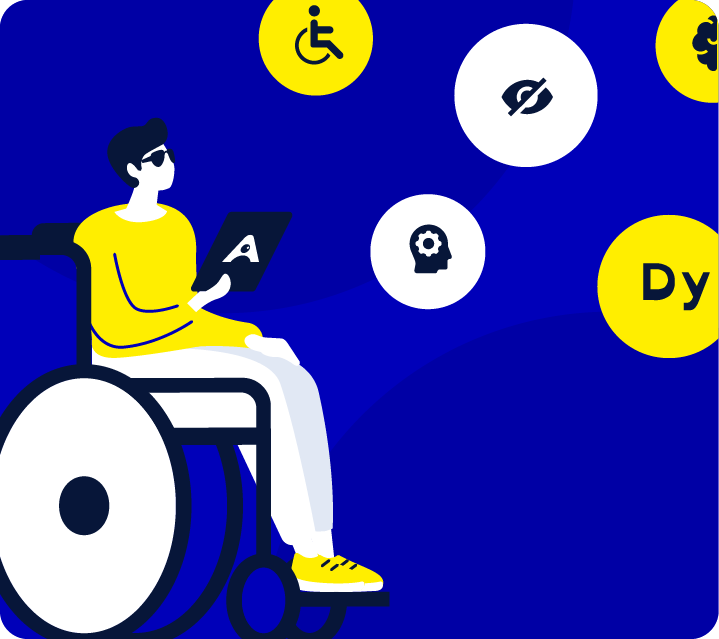
No Documented Trail.
No Defence
Traditional accessibility reports are often created manually and can quickly become outdated.
Procurement teams, auditors, and legal reviewers often need more than a scan score. The Audit Report provides a timestamped record of accessibility issues, remediation work, and progress over time.
The Full Platform
Everything in One Place.
Every step feeds the next. Install the Toolkit, find every issue, fix and verify, then the Audit Report documents it all automatically.
01 Install
Accessibility Toolkit
User controls from day one.
Every visitor.
02 Find
Scanner
Every WCAG issue across
your full domain.
03 Fix
Fix Hub
Assign, Fix with AI. Verify. Close.
04 Prove
Audit Report
Audit Report
You are here
What's Inside
Everything That Happened. In One Place.
Every scan result, every fix, every verified close. Automatically compiled. Always current.

Built for Every Team That Needs to
Show Their Work
If your procurement process, legal team, or client requires documented proof of accessibility effort,
the Audit Report gives you a timestamped record that updates with every scan and every verified fix.



A Solution for Every Accessibility Need


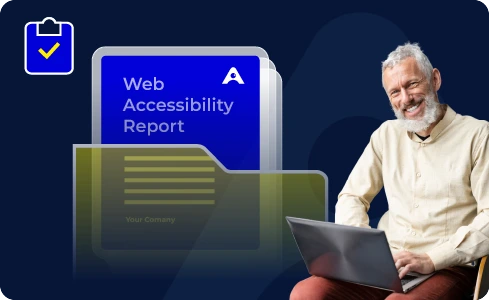
Supporting
Accessibility Standards
Accesstive maps every detected issue to its applicable standard. Your team works to specification, not guesswork.


FAQs
The Audit Report may not be completely free on every plan. Basic scan or reporting features may be available in selected plans, while advanced reporting, export options, scan history, timestamps, and compliance documentation may depend on the plan you choose.
The report can include scanned pages, accessibility issues, issue severity, affected URLs, WCAG references, fix status, timestamps, open issues, closed issues, and progress history.
Yes. The Audit Report can show when scans were completed and what issues were found during each scan. This helps your team track accessibility work over time instead of relying on old spreadsheets or manual notes.
Yes. The report can show which issues are already fixed and which issues still need attention. This makes it easier for developers, managers, compliance teams, and clients to understand the current status.
The report can map detected issues to standards such as WCAG, ADA, EAA, Section 508, and other accessibility requirements where applicable. This helps your team understand which rules each issue may relate to.
PDF export may be available depending on your Accesstive plan and report setup. This is useful when you need to share accessibility progress with clients, leadership, developers, auditors, or compliance teams.
No. The Audit Report is useful for tracking scans, fixes, and progress, but a full manual audit may still be needed for deeper accessibility testing. Automated tools can find many issues, but human review is often required for complete evaluation.
Start Documenting Your
Accessibility Work Today
Free trial. No credit card. The report starts building from your first scan.