

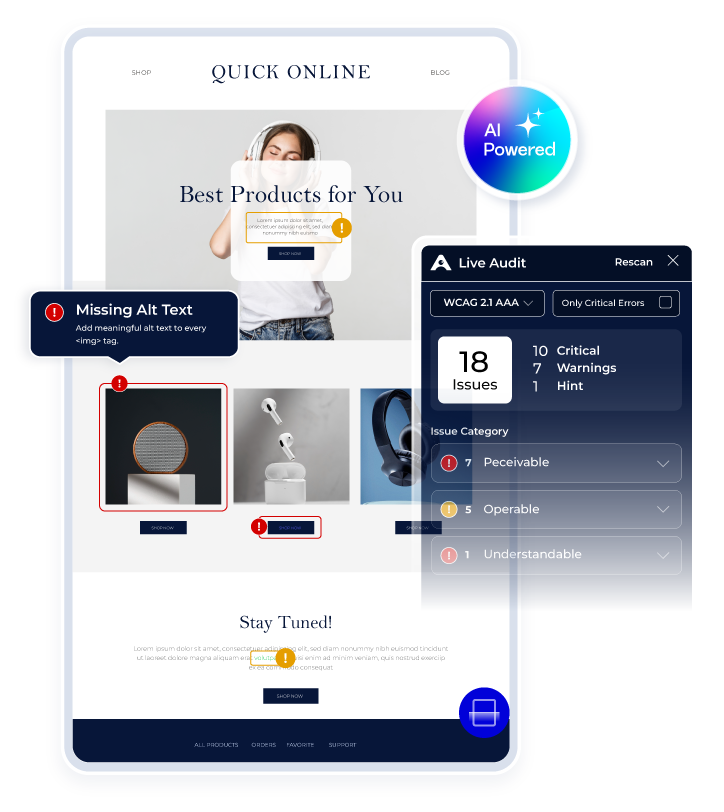
AI-Powered Web Accessibility Audit
Find Issues. On Page.
Paste your URL. See every accessibility violation on your live page in seconds. Exact location. Exact code. AI-generated fix. Free report.
Know What to Fix and Why
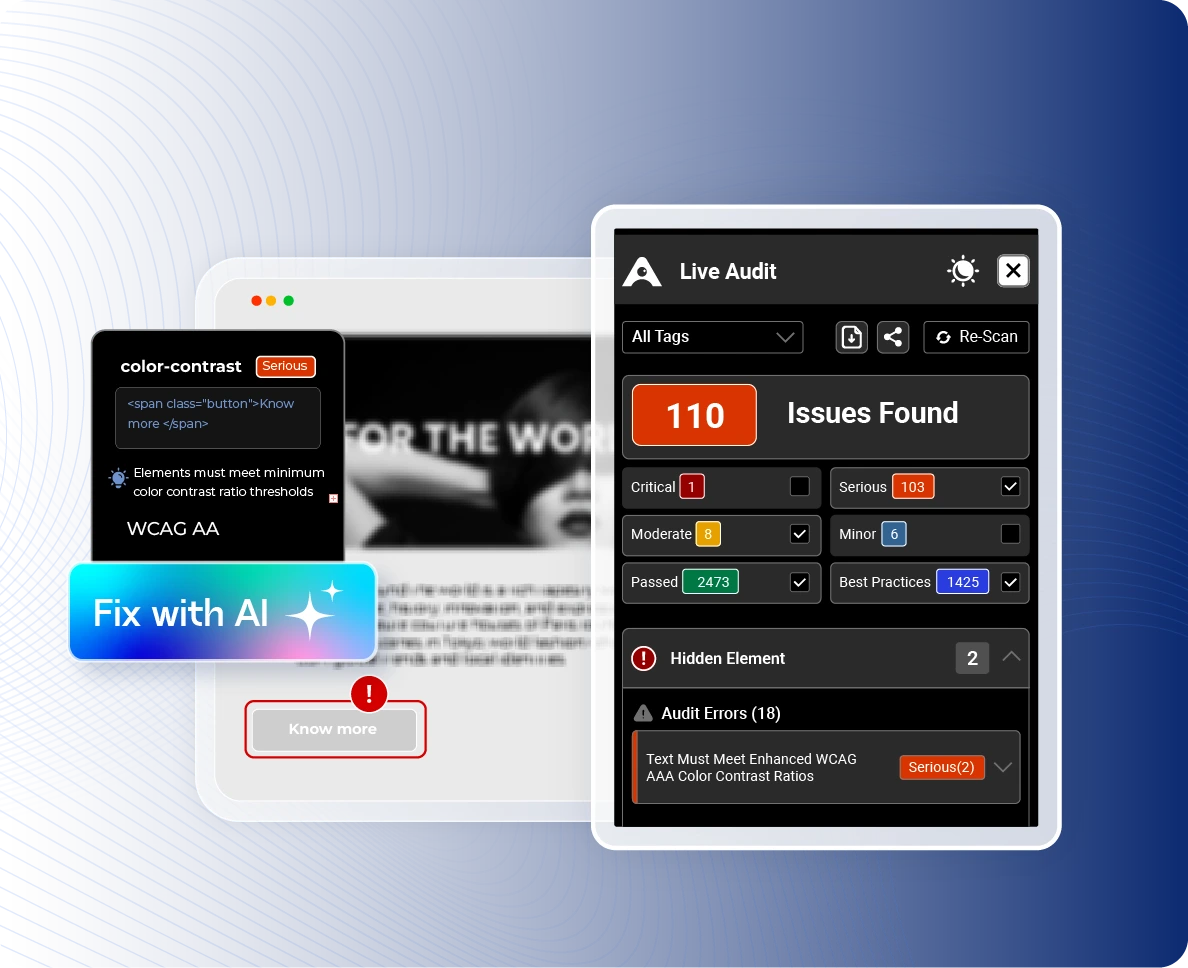
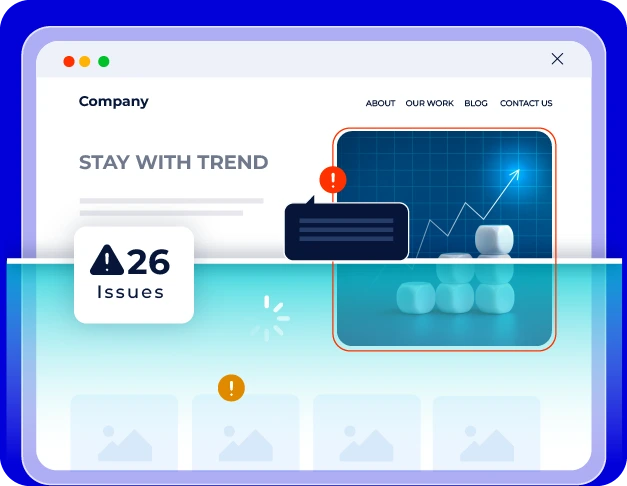
Live Audit analyzes any page as you browse and shows exactly what needs attention.
Every issue is mapped to the affected page element, WCAG requirement, affected disability types, code
reference, and AI-powered remediation guidance, helping teams understand and resolve accessibility issues faster.
How Our AI Accessibility Audit Works
Enter Your URL - Open your page. The audit starts immediately. No setup required. No Download. It's Live Audit.

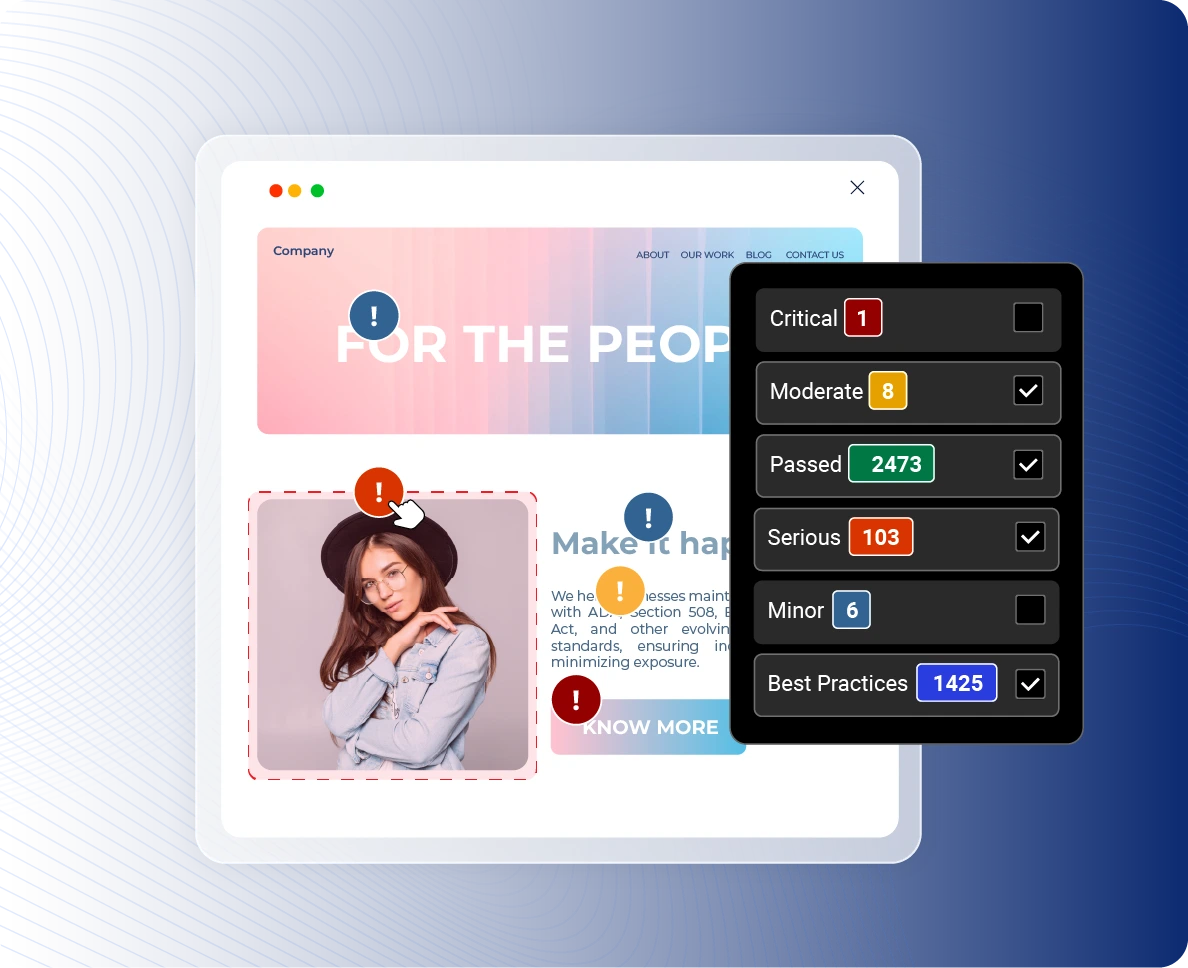
See Issues Live - Every issue appears in context, highlighted on the exact element that's failing. Click it to see which users are affected, which law it breaks, and what to fix.
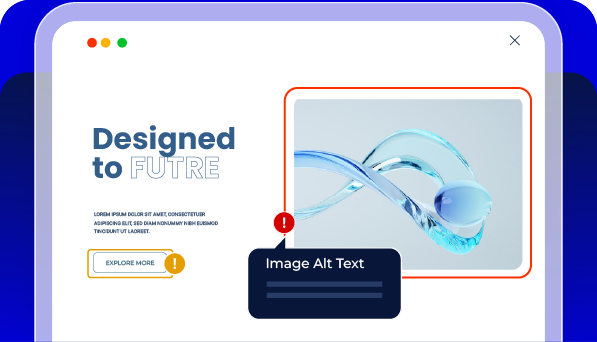
Fix Instantly - Paste the AI fix code. Apply it. Every fix is timestamped and logged, building the compliance record that protects you when it matters.
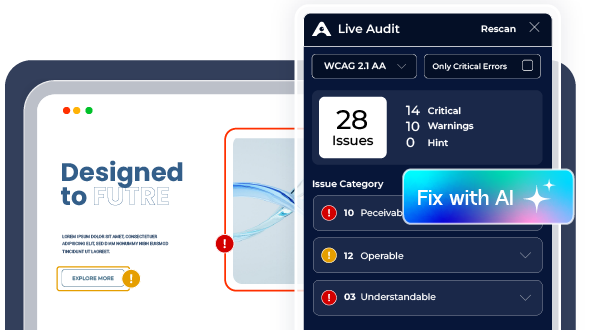
See a Live Accessibility Audit in Action
Watch how issues appear, directly on a real page, in real time. Then run your own, and see what your site reveals.
What You See on Every Issue
Without Live Audit
|
With Live Audit
|
What Makes Access Live Audit Unique?
Accessibility Standards & Compliance Alignment
Accesstive audits against every major standard your law might require.. One scan. Full coverage.


The Full Platform
One Platform. Every Step of Accessibility.
Every step feeds the next. Install, scan, fix, and prove. The VPAT is the output of the whole system.
01 Install
Accessibility Toolkit
User controls from day one.
Every visitor.
02 Find
Live Audit
Scan pages. Detect issues. Monitor continuously.
03 FIX
Fix Hub
Assign fixes. Verify progress.
Close issues.
04 PROVE
Audit Report
Document accessibility efforts and progress.
Works Seamlessly
Across All Platforms
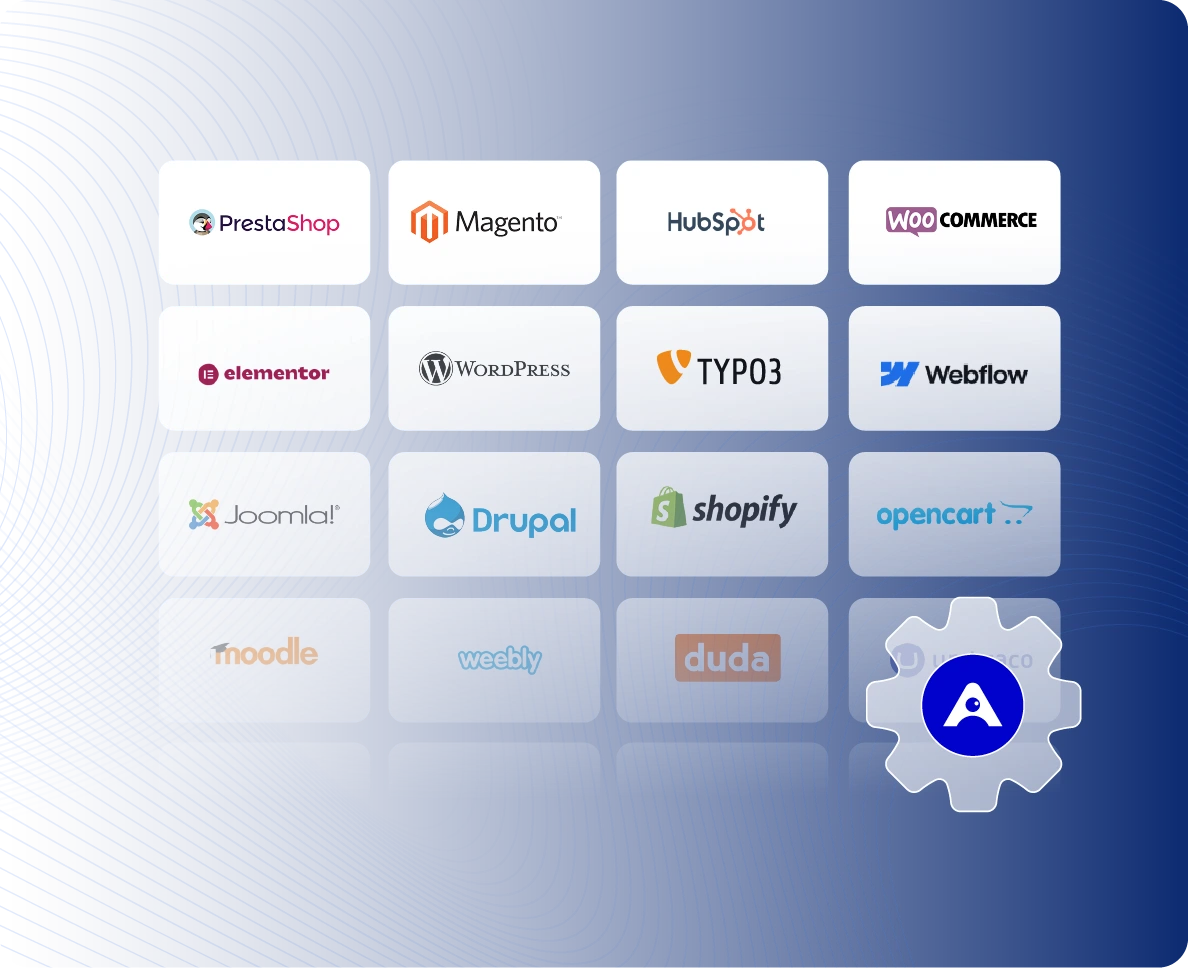
Live Audit works on any URL you can open in a browser. WordPress, Shopify, TYPO3, Wix and custom builds. If the page loads, Live Audit scans it.
Audit Is Just the Start.
Fix. Prove. Repeat
Accesstive is the all-in-one accessibility compliance platform.
A Solution for Every Accessibility Need


FAQs
An audit that runs directly on your page, showing issues in real time, not in a separate report. Enter your URL and the sidebar opens instantly on your actual site.
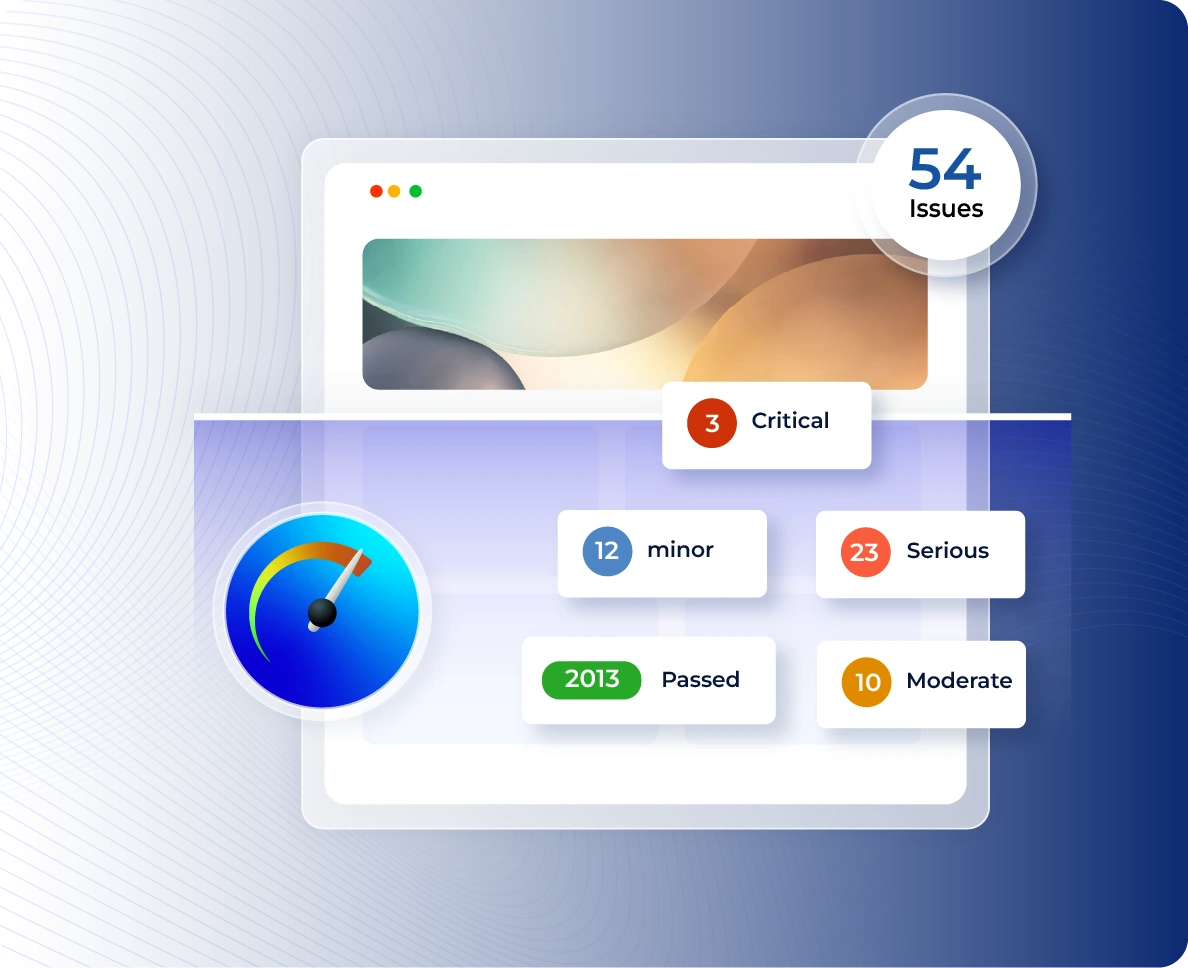
Enter your URL. You land on your page with the Accesstive sidebar open. Issues appear categorised as Critical, Serious, Moderate, Minor, Passed, and Best Practice. Click any issue to see source code, fix instructions, and disabilities affected.
Live Audit supports WCAG 2.0 A, WCAG 2.0 AA, WCAG 2.1 A, WCAG 2.1 AA, WCAG 2.2 A, WCAG 2.2 AA, Section 508, Trusted Tester v5, and EN 301 549. You can filter results by any of these standards within the sidebar.
You can filter audit results by 9 disability types: Blind, Low Vision, Colorblindness, Mobility, Deaf, Deafblind, Cognitive, Attention Deficit, and Sighted Keyboard Users. This shows exactly which issues affect which users.
Click any issue in the sidebar to see the exact source code of the failing element, a plain-language rule description, and a one-click AI fix that gives you the exact code to resolve the issue. No external tools needed.
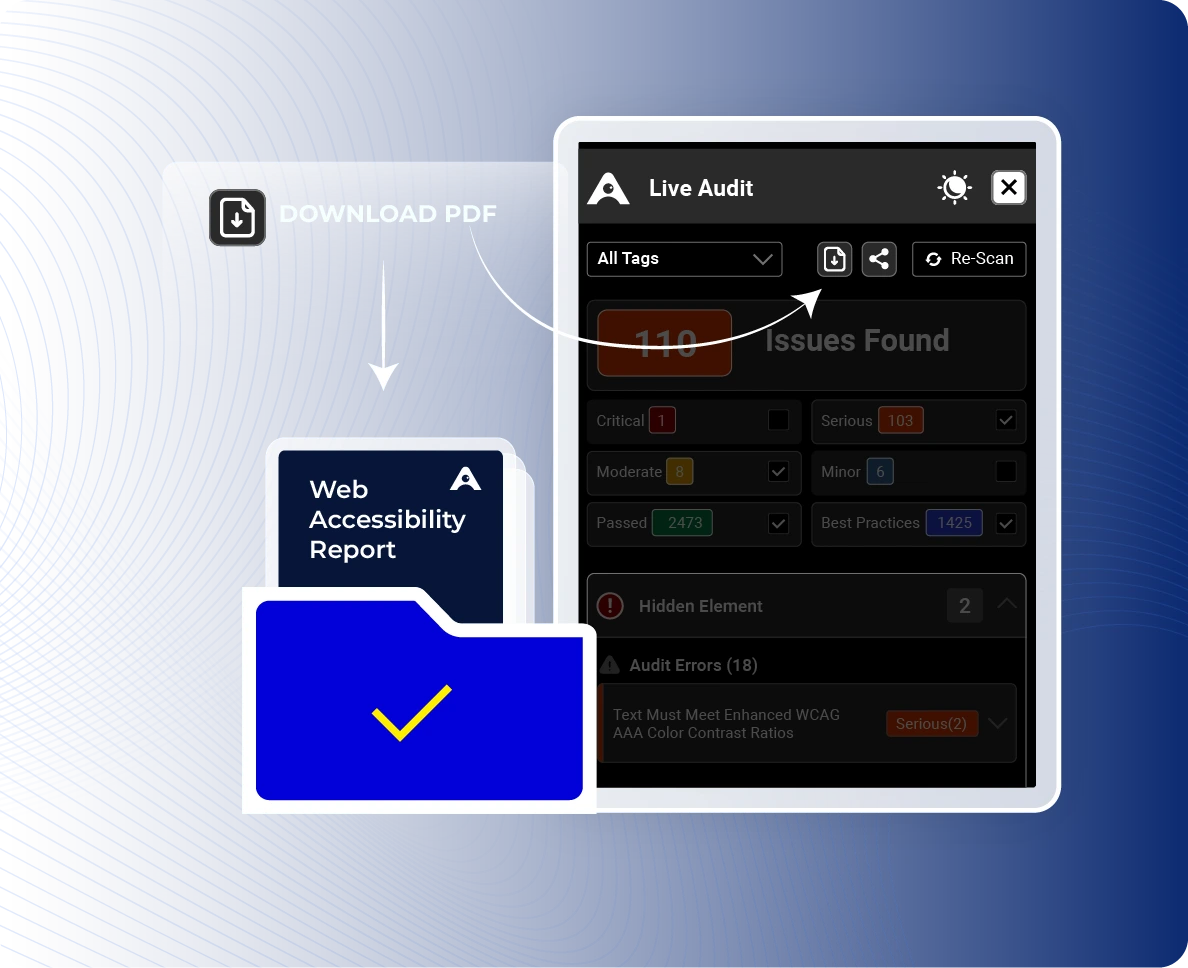
Yes. Live Audit includes a one-click download that exports all issues found in a single report. Use this for developer handoffs, compliance documentation, or internal reviews.
Yes. Live Audit works on any website regardless of the CMS or framework: WordPress, Shopify, TYPO3, Webflow, Drupal, Wix, and more. No integration or script installation required. Just enter the URL.
No tool can guarantee compliance, the standard requires implementation, not just detection. Live Audit identifies every detectable WCAG violation and provides the fix code. For complex interactions, cognitive accessibility, and legal-grade documentation, an Expert Audit adds human review and a verified VPAT. Together, they cover the full compliance requirement.
After every update. Any code deploy, content change, or new feature can introduce violations. Re-scan after every release.