

Free Accessibility Checker
Scan Your Website for Accessibility Issues
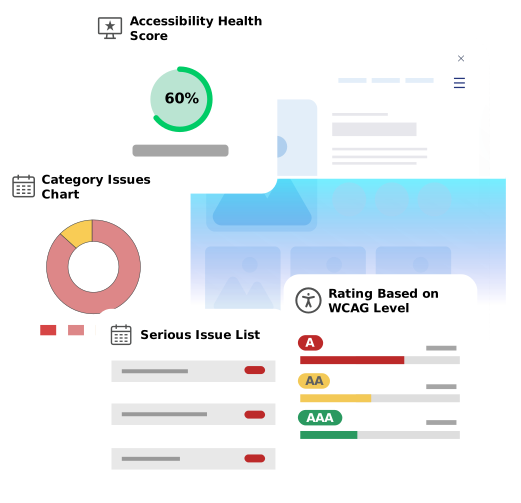
Find common accessibility barriers with Accesstive’s AI-powered accessibility checker. Scan your website for WCAG 2.1 & 2.2-related issues, understand potential risks under ADA, EAA, and BFSG, and get actionable recommendations. A scan identifies technical barriers, while an accessibility statement is a separate documentation requirement, particularly under BFSG. Most websites need both: scan, fix, and document accessibility.
Free Website Accessibility Checker
Enter your URL and get an instant automated report.
Need more than a scan? Talk to a human expert
What Is an Accessibility Checker?
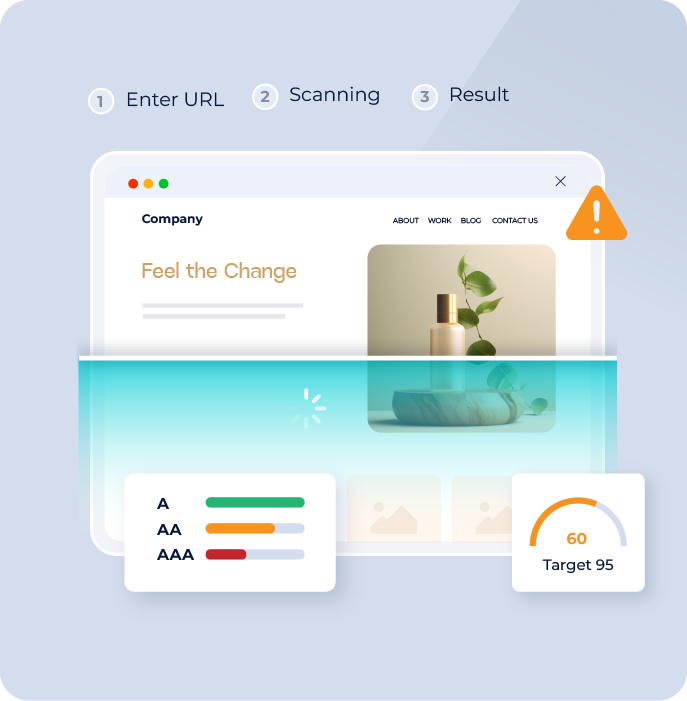
An accessibility checker is an automated tool that scans websites to identify common accessibility issues that may affect users with disabilities. It evaluates detectable barriers related to images, forms, navigation, page structure, colour contrast, and interactive elements to help teams understand potential accessibility gaps. An accessibility checker provides a quick overview of a website's accessibility health and is the first step toward creating a more inclusive digital experience. However, achieving ongoing accessibility requires continuous improvements, manual testing, and expert validation - no automated tool, including this one, can confirm full legal compliance on its own.
How Accesstive Free Accessibility Checker Works
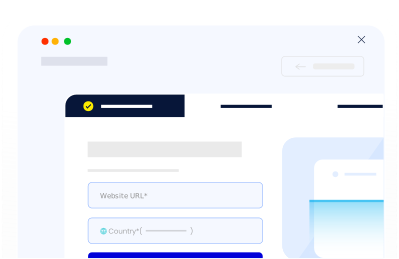
Start a scan by entering your webpage URL.
- No setup required
- Scan pages quickly
- Get instant accessibility insights
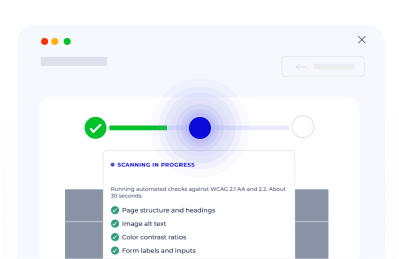
The checker analyses your website for detectable accessibility issues against WCAG 2.1 (the current binding standard under EAA and BFSG) and WCAG 2.2 (the forward-looking best-practice target).
- Identify WCAG-related barriers
- Check key webpage elements
- Highlight improvement areas
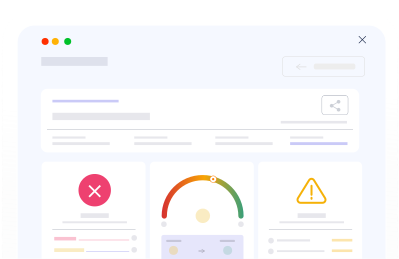
Review findings and understand the next steps.
- View detected issues
- Understand accessibility impact
- Get improvement guidance
What Does the Accessibility Checker Test?

Accessibility Standards Covered
Accessibility standards provide the foundation for creating digital experiences that are usable by people with disabilities. These guidelines and regulations define how websites, applications, and digital services should be designed, developed, and tested.
The Web Content Accessibility Guidelines (WCAG) provide the global framework for digital accessibility. WCAG 2.1 Level AA is the current binding technical standard referenced by EN 301 549, the standard behind both the EU's European Accessibility Act and Germany's BFSG. WCAG 2.2 extends this with newer criteria and represents current best practice, though it isn't yet the binding legal reference in the EU.
Regional regulations, including the European Accessibility Act (EAA), BFSG in Germany, BITV 2.0 for German public-sector sites, ADA and Section 508 in the United States, and AODA in Canada, build their technical requirements on these same accessibility principles.
Accesstive helps businesses identify accessibility barriers and improve alignment with recognised accessibility standards through automated testing, monitoring, and expert evaluation.
Why Run an Accessibility Scan?
An accessibility scan helps you discover potential barriers on your website, understand accessibility risks, and take action before they impact users.



Free Accessibility Checker vs Accessibility Audit
An accessibility checker provides a quick overview of detectable issues, while a professional accessibility audit delivers deeper evaluation through expert testing and compliance-focused analysis.
Free Accessibility Checker
| Professional Accessibility Audit
|
Start with a free scan. Move to a professional accessibility audit when you need deeper accessibility validation, particularly if you need to demonstrate compliance to a regulator, auditor, or enforcement authority.

Who Should Use Accesstive Free Accessibility Checker?
Accesstive's Free Accessibility Checker helps teams identify accessibility barriers and understand improvement opportunities across websites, applications, and digital experiences:
- Website Owners
- Marketing Teams
- Developers
- SaaS Companies
- Ecommerce Businesses
- Compliance Teams
- Web Agencies
- Product Teams
The Accesstive Workflow
The Entire Compliance Lifecycle
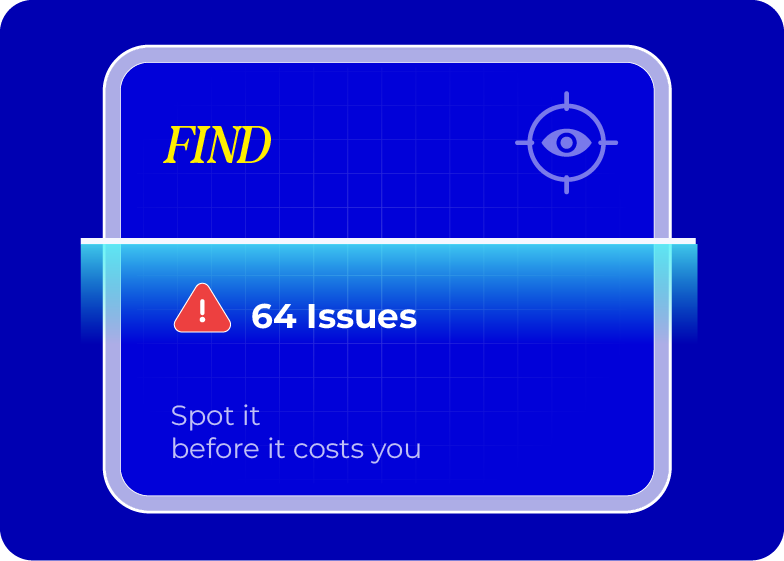
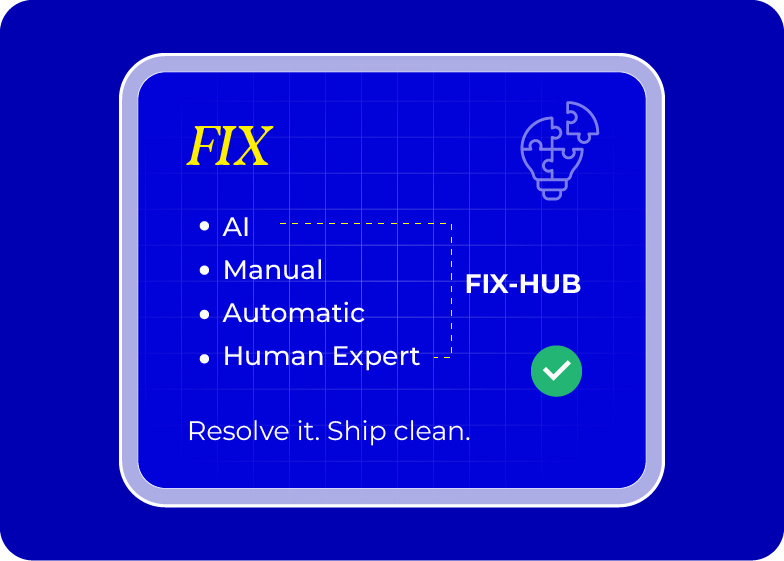
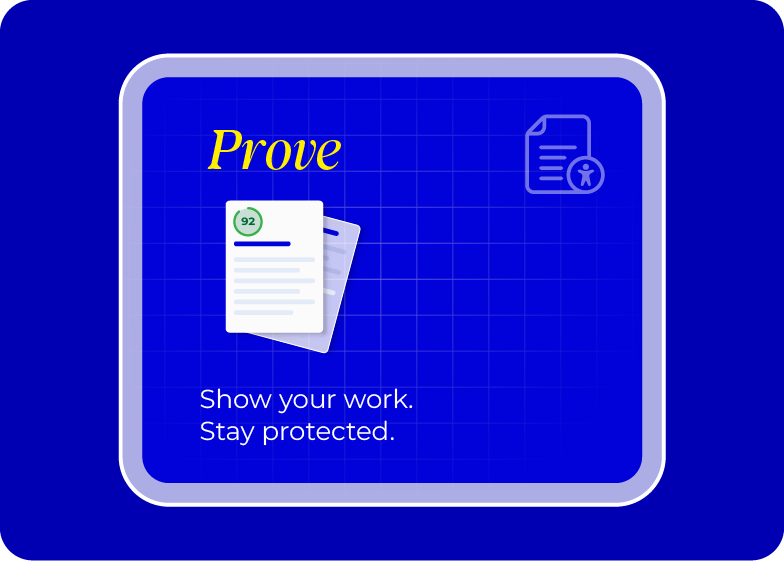
Detection, remediation, and documentation
All connected, continuously running automatically.
Frequently Asked Questions
A free accessibility checker is an automated tool that scans websites to identify common accessibility issues without requiring a paid account or technical setup.
No. It helps detect technical issues but does not replace manual testing, expert evaluation, or the additional non-technical requirements, like a published accessibility statement, that laws such as BFSG require.
It checks common issues related to WCAG 2.1 Level AA, the current binding standard under EAA and BFSG, and WCAG 2.2, the forward-looking best-practice standard. It does not guarantee full compliance with either.
It helps identify accessibility barriers relevant to ADA-focused accessibility efforts, based on the same WCAG technical criteria ADA cases typically reference.
It helps detect technical accessibility issues related to the WCAG-based requirements under BFSG. It cannot confirm the non-technical requirements BFSG also demands, such as whether your accessibility statement exists, is complete, and reflects your site's current state.
No. Some usability and complex accessibility issues, like whether a keyboard trap makes a specific workflow genuinely unusable, require manual testing with real assistive technology.
They're effective at detecting common technical issues but cannot evaluate every accessibility barrier, particularly ones that depend on real user context rather than code structure alone.
Regular scans are recommended, especially after updates, redesigns, or new content, each deploy can introduce violations a previous scan didn't catch.
Yes. It can help identify accessibility issues across ecommerce pages and user journeys, including product listings, forms, and checkout flows.
Yes. Developers can use scanners to identify and fix accessibility issues during development, before they reach production.

Ready to Improve Your Website Accessibility?
Talk to Stefan, our Digital Accessibility Expert, for practical guidance on your accessibility challenges, audit findings, and next steps.