

Accessibility Widget for Your Website –
Real Controls, Not Just an Overlay
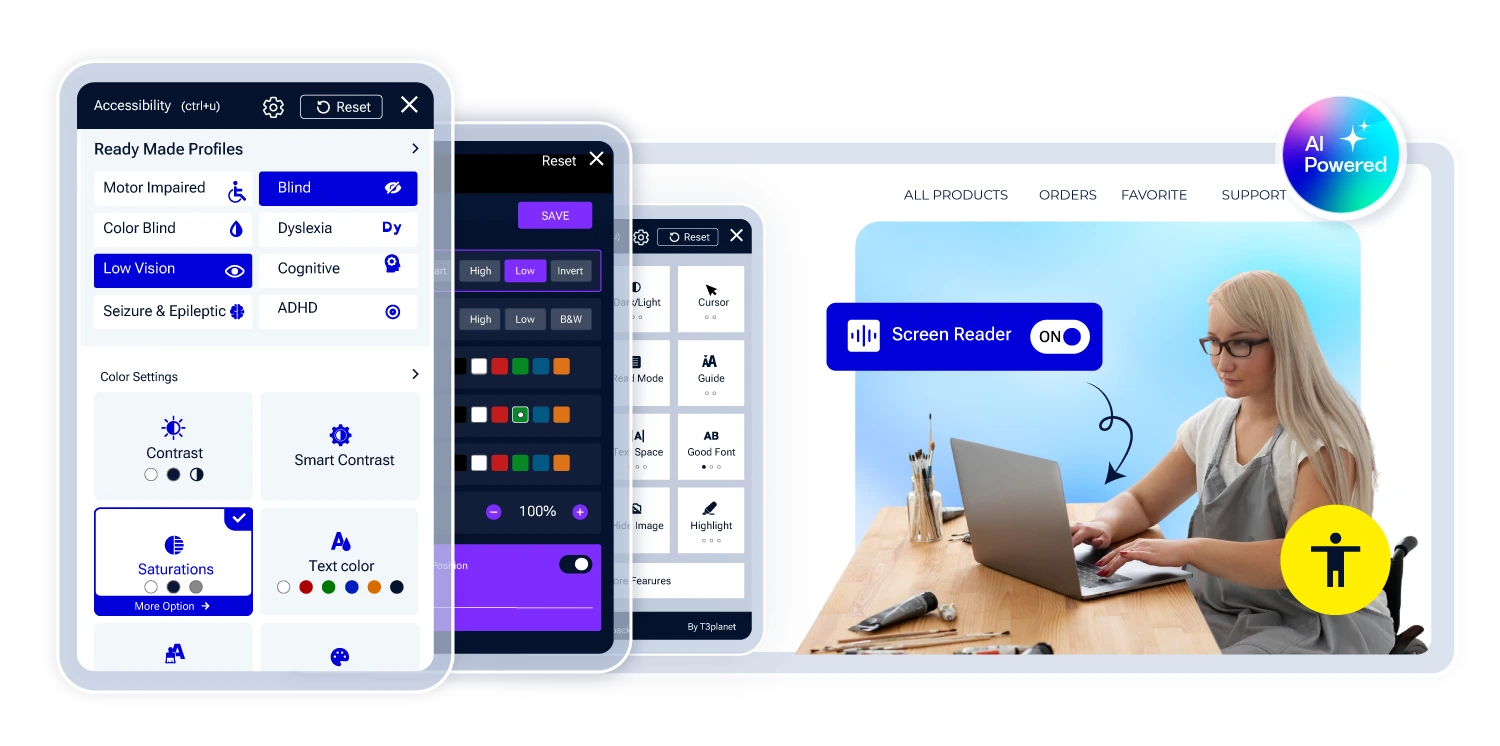
The Accesstive Accessibility Widget gives your visitors 30+ real, visitor-controlled options – font size, contrast, reading support, navigation – installed with a single script. Unlike overlay-only tools that add a visual layer and stop there, the widget is Layer 1 of a complete system that includes code-level fixes (Fix Hub) and Human Expert review, so your site moves toward genuine WCAG, ADA, EAA, Section 508 and BITV conformance – not just the appearance of it.
The Entire platform
How the
Widget Works
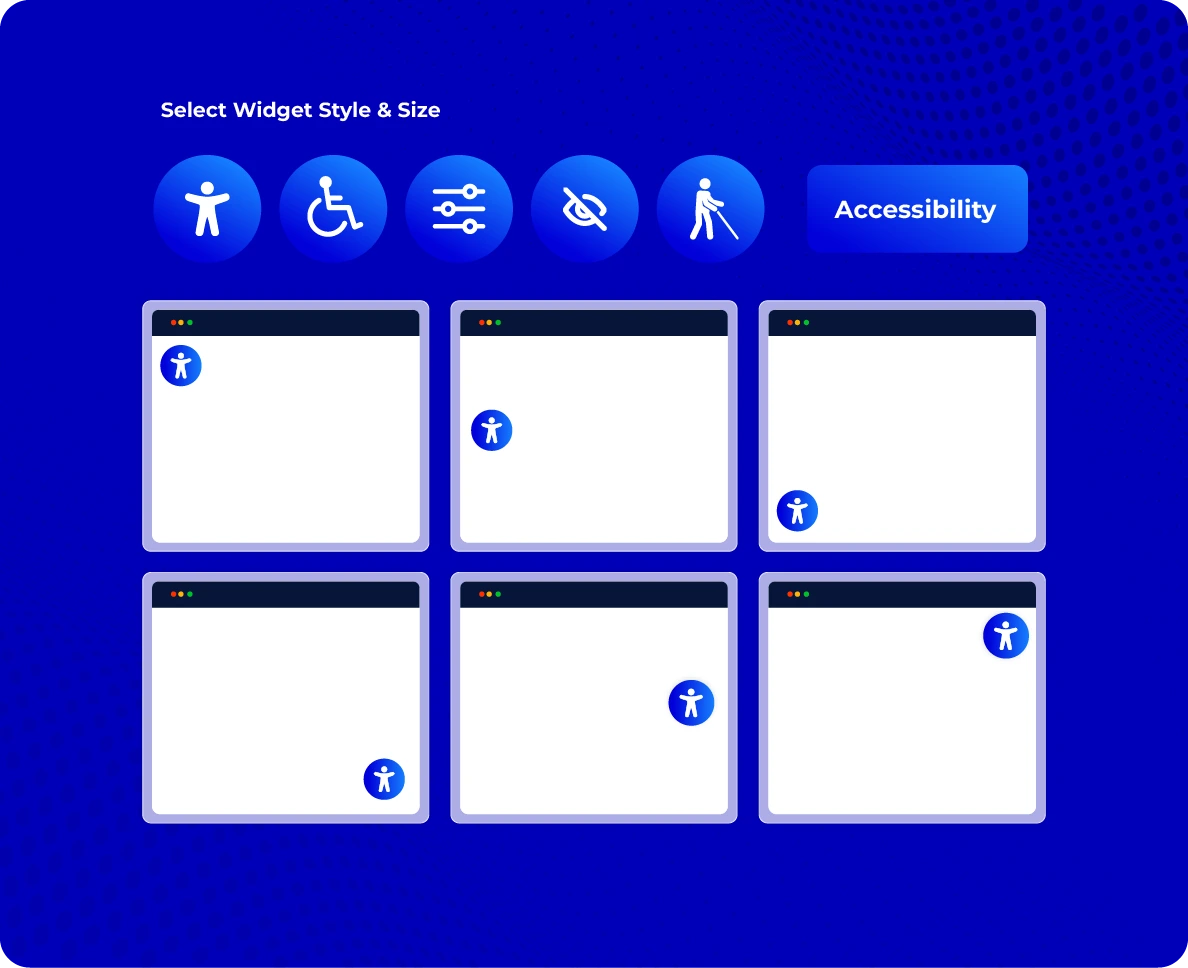
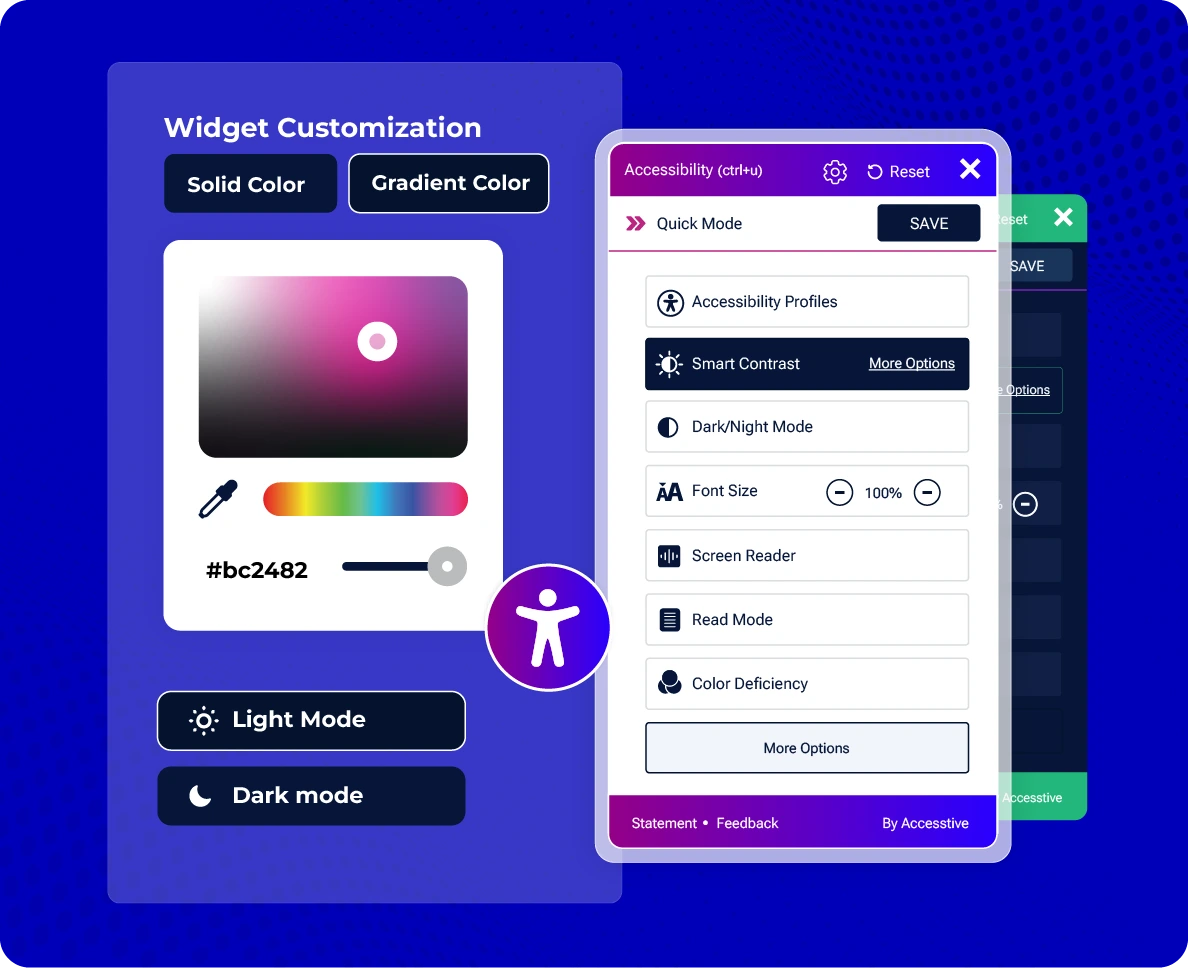
Install the widget with one script – it deploys across every page instantly, with brand colors, icon placement and language options set from your dashboard. It works whether or not your site was originally built following accessible web design principles, and adds a visible, working accessibility layer immediately.
Fits Every Website, Including Your Online Shop
The widget works across WordPress, Shopify, Webflow, HubSpot, Drupal, Magento and 15+ other platforms – including
online shops, where accessible checkout and product navigation directly affect conversion, not just compliance.
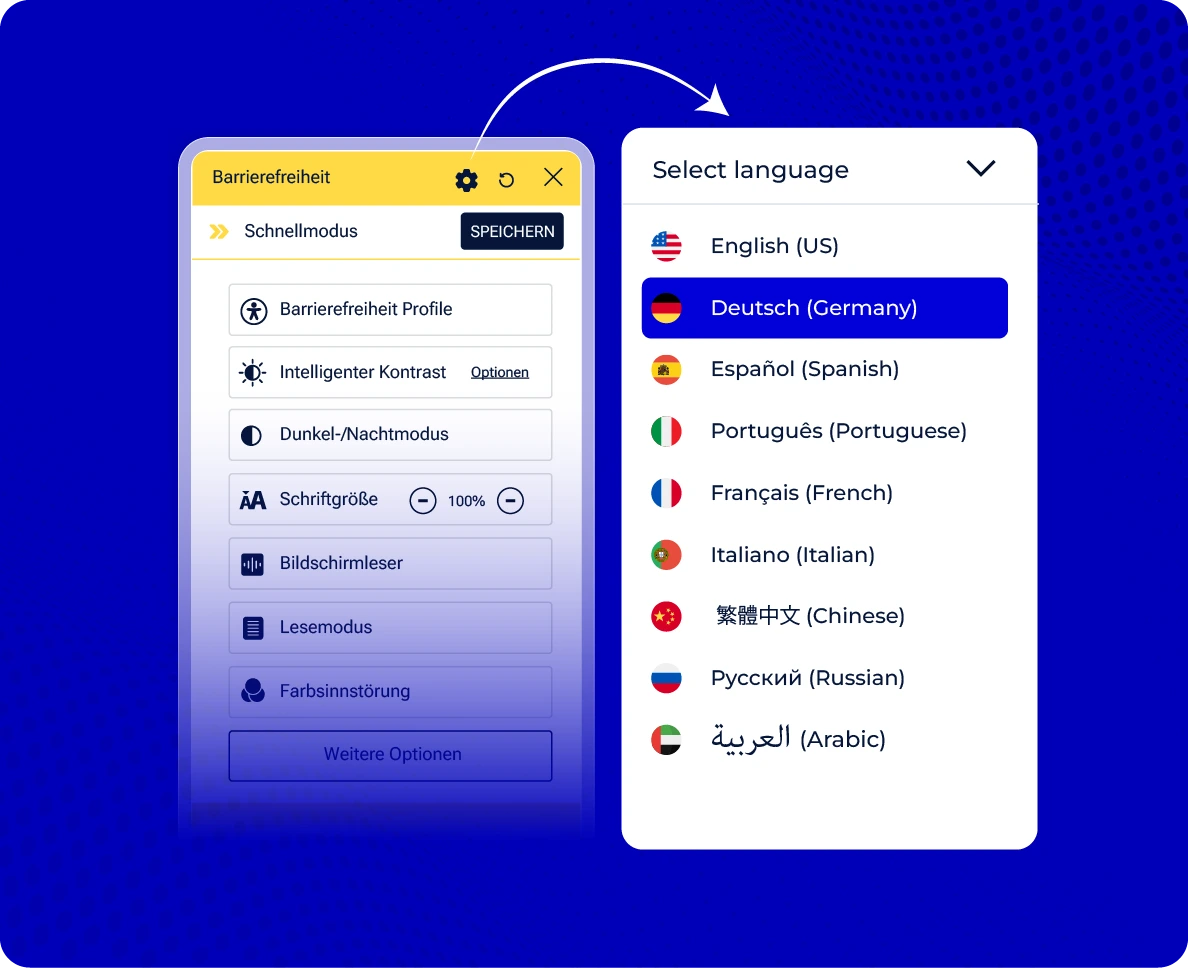
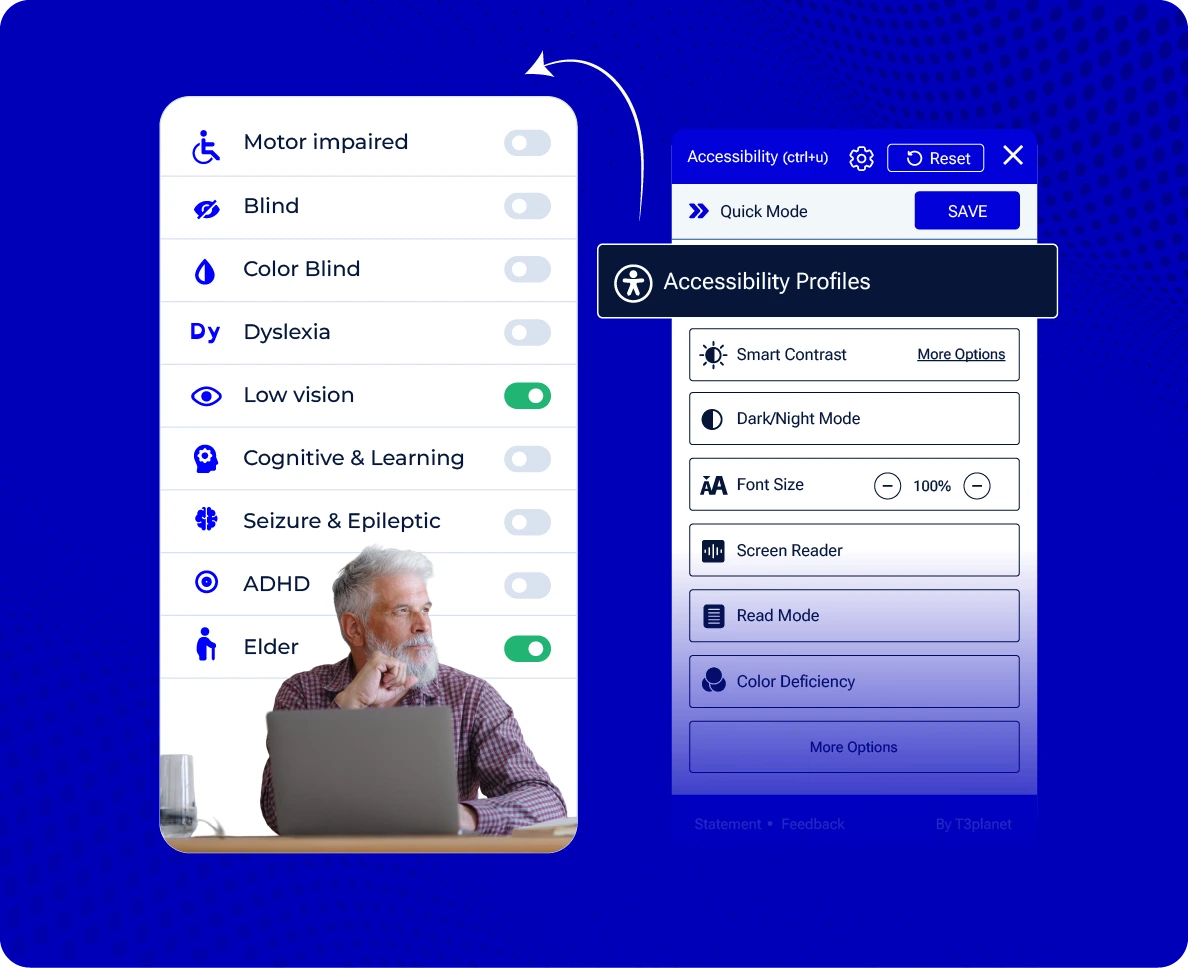
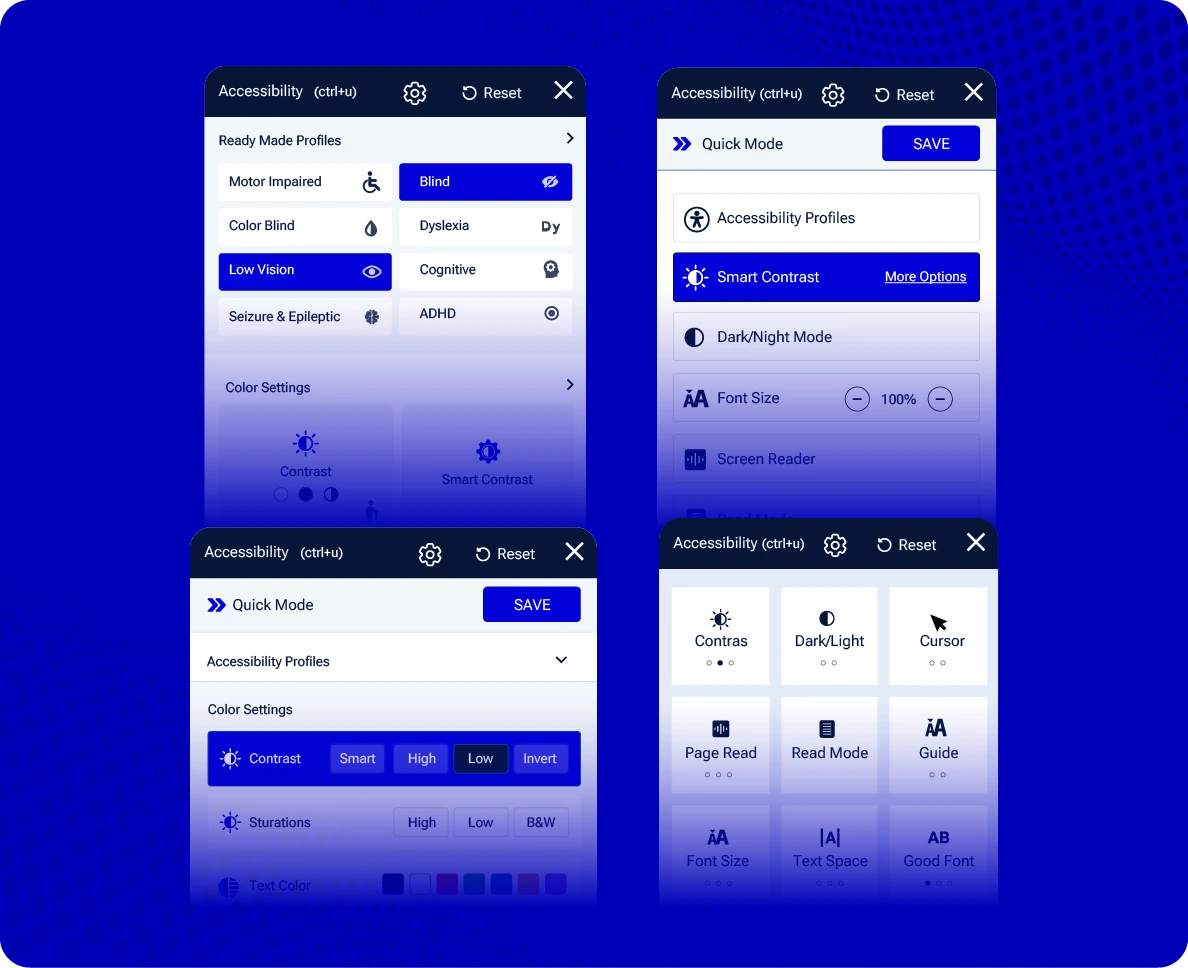
Everything Visitors Need, One Click Away
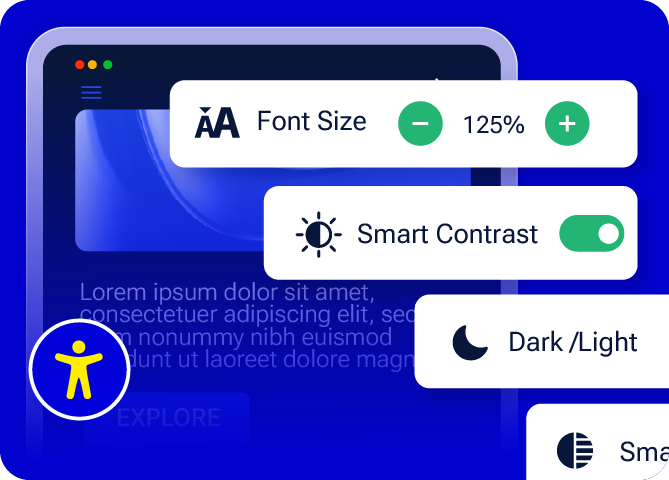
Vision & Display
Font resize, colour contrast adjustment, text magnifier, grayscale mode, cursor enhancements.
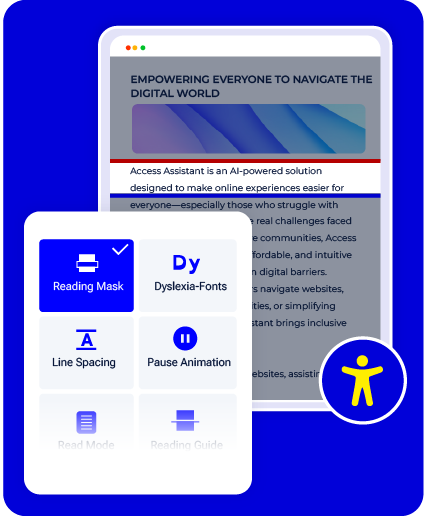
Reading & Focus
Reading mask, dyslexia-friendly fonts, line spacing adjustment, animation pause controls.

Navigation & Interaction
Keyboard navigation, voice navigation, virtual keyboard.
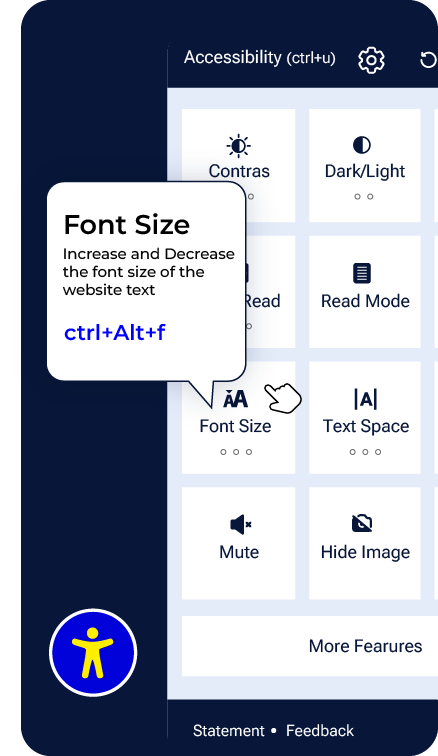
Widget & Documentation
Brand-matched widget design, linked accessibility statement / VPAT document.
Widget vs. Overlay: What's the Difference?
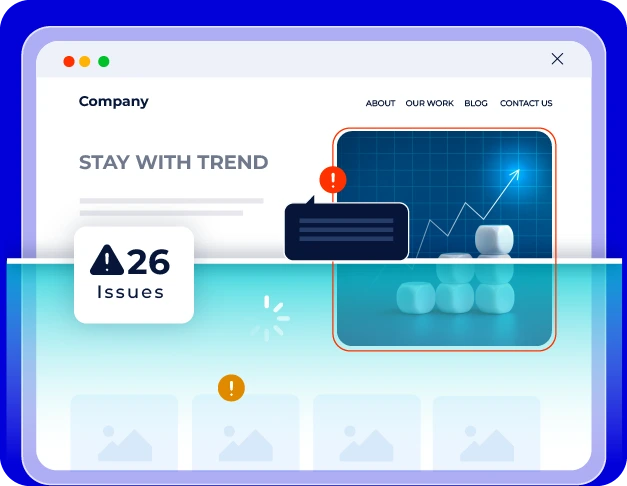
An "overlay" is a script-based tool that sits on top of a website and offers visual adjustments – often marketed as a one-click compliance fix. Some overlay-only products claim this alone makes a site WCAG or EAA compliant. It doesn't: overlays cannot fix broken code, keyboard traps, missing ARIA labels, or screen-reader failures underneath.
The Accesstive widget looks similar on the surface – visitor-facing, one-script install – but we're explicit that it's Layer 1 only. Real conformance comes from pairing it with Fix Hub's code-level remediation and Human Expert review, so you get both the visitor experience layer and the underlying fixes.
Quick comparison:
- Overlay-only tool: visual layer, marketed as instant compliance, no code-level fixes.
- Accesstive Widget + Fix Hub + Human Expert: visitor controls plus real code remediation and expert-verified conformance reporting.
Examples of Accessible Websites
See what an accessible website built with the widget actually looks like in practice – from a font-resize control in a retail header to a reading mask on a long-form article.
Checklist: Is Your Website Accessibility-Ready?
Before you install anything, run through the essentials: colour contrast, keyboard navigation, alt text, form labels, and
heading structure. Get the full accessible-website checklist – a companion piece to this page – linked below.
Why Teams Choose Accesstive











Accessibility That Supports Compliance
The widget and the wider Accesstive platform align with WCAG, ADA, EAA, Section 508, EN 301 549 and
BITV – list each standard with a short one-line description and link to its dedicated Compliance Hub page.


A Solution for Every Accessibility Need

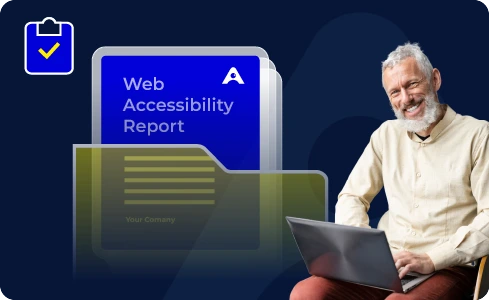
Accessibility Checker
Check Accessibility of Your Website for Free
Check More


FAQs
A script-based tool installed on your website that gives visitors direct controls over how they experience your site – font size, contrast, reading support and navigation – without requiring any code changes on your end.
It's visitor-facing like an overlay, but we don't market it as a standalone compliance fix. It's Layer 1 of a system that includes Fix Hub (code-level remediation) and Human Expert review – an overlay-only tool stops at the visual layer; we don't.
No – and we say so directly. The widget supports the visitor experience layer; it does not fix code-level issues, keyboard traps, ARIA errors or screen-reader failures. Those require Fix Hub and, for full conformance documentation, Human Expert review.
Visitor preferences are stored in the browser only. Nothing is tracked, and the widget is GDPR-friendly by design.
Run Accesstive's free accessibility scan (linked above) to get a clear picture against WCAG before or after installing the widget.
Yes – see our full accessible-website checklist for the essentials to check before and after installing the widget (linked above).
No. Think of it as Layer 1. Code-level fixes and full conformance documentation come from Fix Hub and Human Expert review on the Business plan.
Start with the Widget.
Live in Minutes. Built to Last.
Free plan, unlimited pages, no credit card required.