

Accessibility Audit
Find WCAG Issues on Your Page
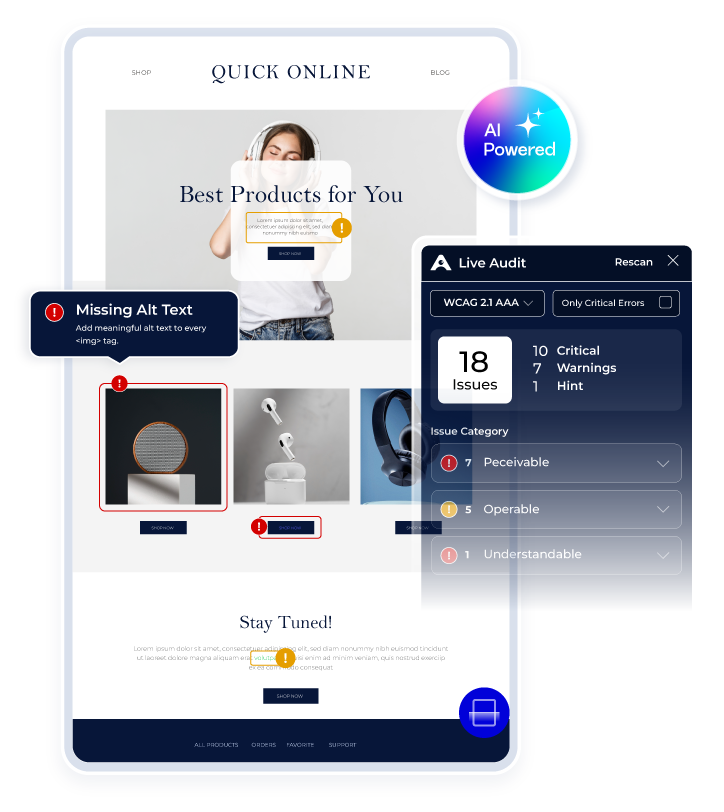
Enter any publicly accessible webpage URL to identify accessibility issues in context. See the affected element, relevant WCAG criteria, user impact, source-code context, and AI-powered remediation guidance.
What Is a Live Accessibility Audit?
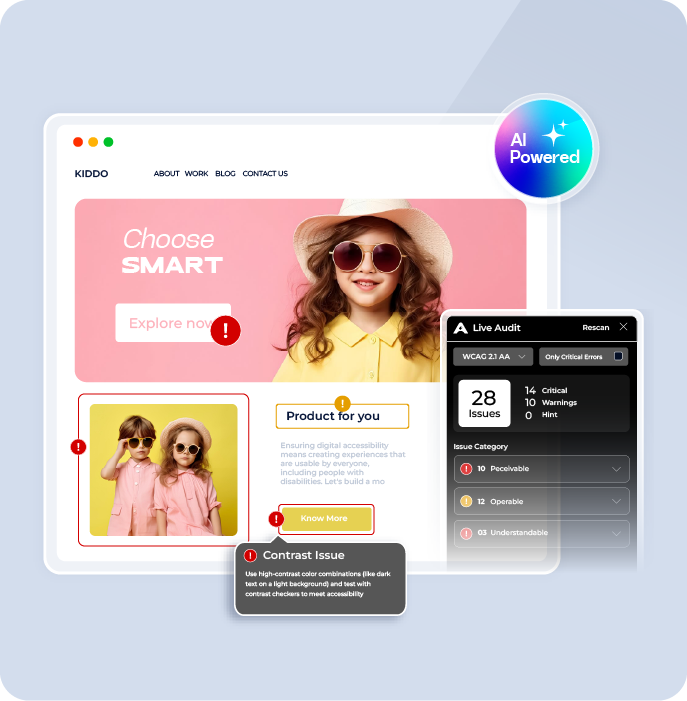
A live accessibility audit checks a webpage for detectable accessibility issues and shows findings directly in their page context. Accesstive Live Audit connects each issue with the affected element, WCAG reference, user impact, source code, and remediation guidance. This helps developers, QA teams, and accessibility professionals understand what requires attention without switching between multiple tools.
How Our AI Accessibility Audit Works
Run a website accessibility audit, identify WCAG issues on your live page, and review practical remediation guidance for affected elements.
Run a Website Accessibility Scan
Enter a publicly accessible webpage URL and start the audit instantly. No installation, download, or technical setup required.

Identify WCAG Accessibility Issues
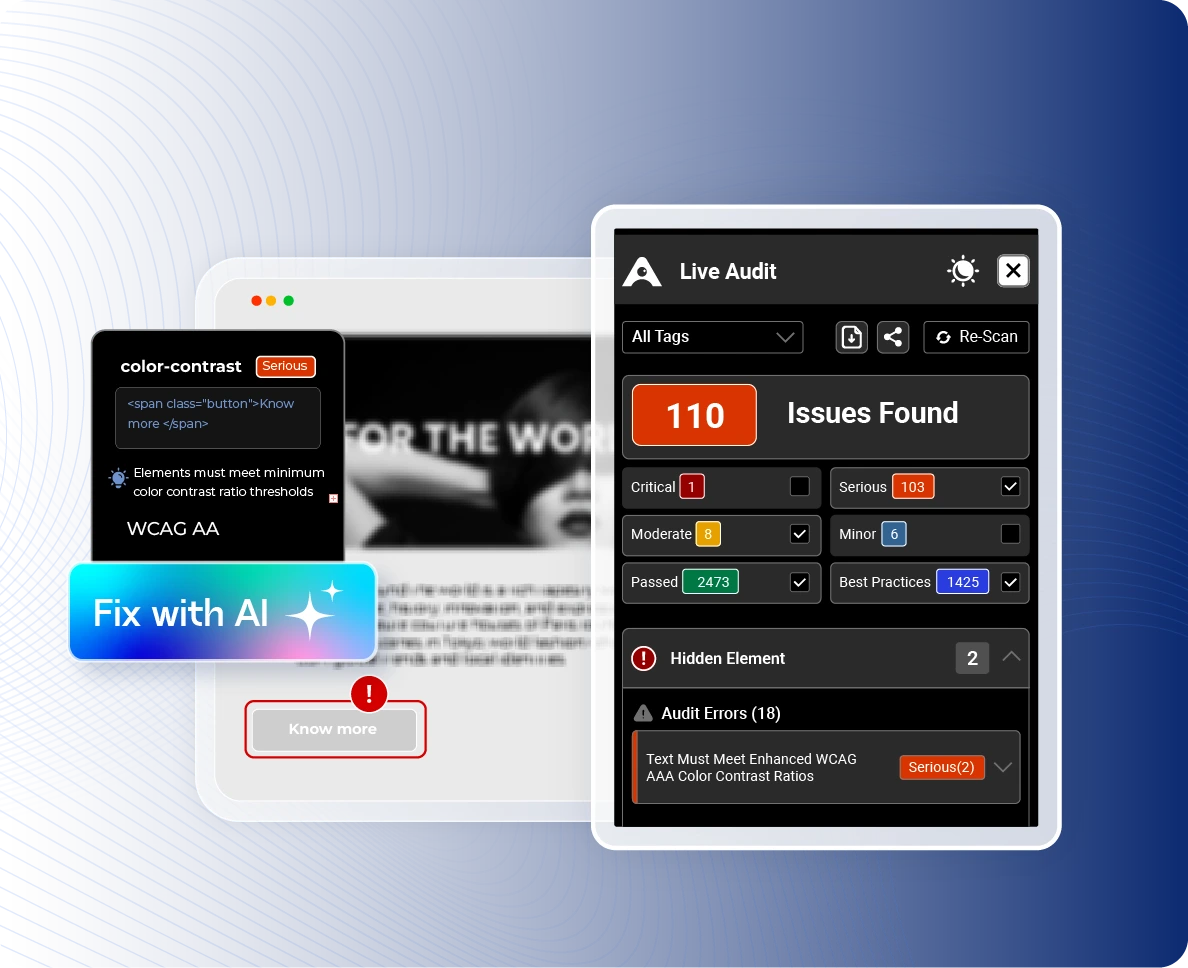
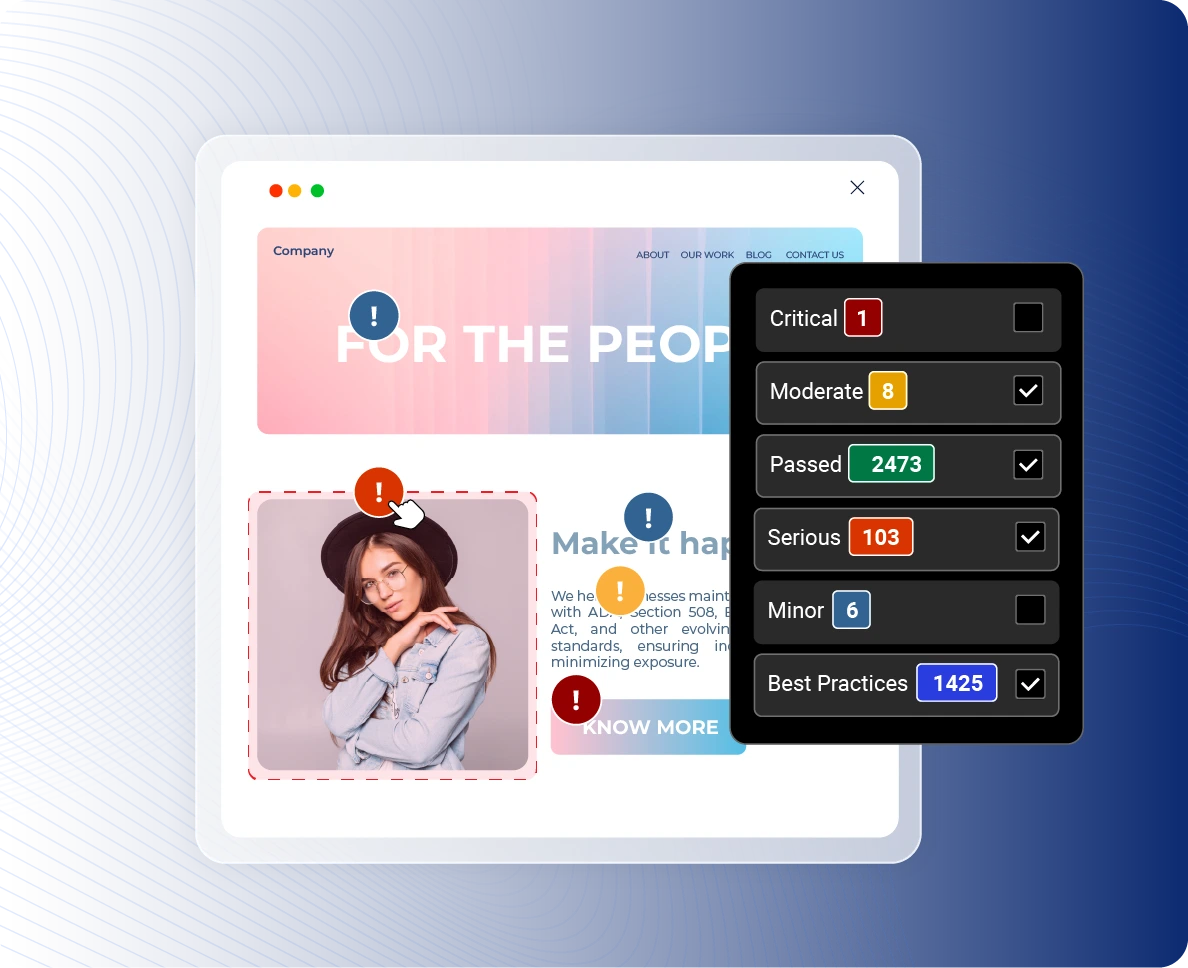
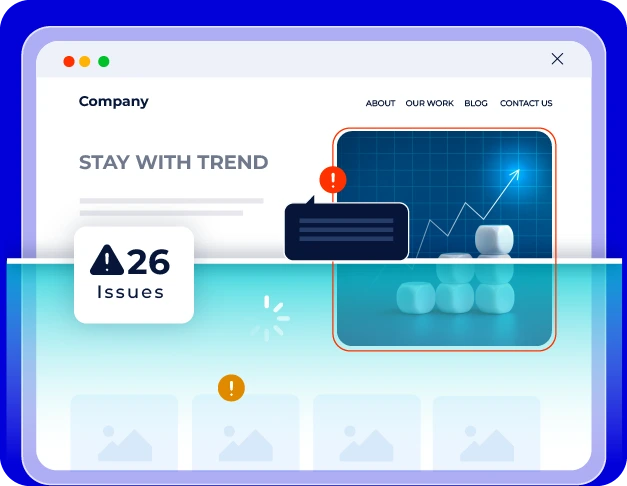
See detected issues on affected page elements with severity, WCAG references, and information about impacted users.
Review Accessibility Fix Recommendations
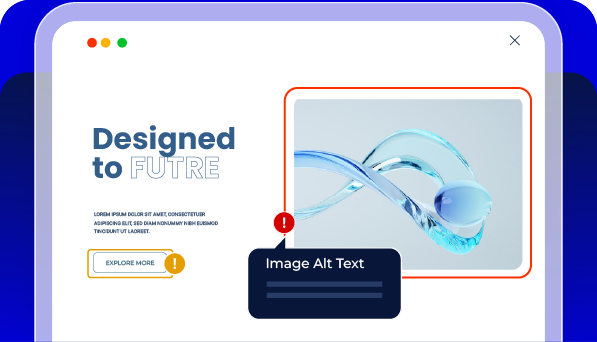
Inspect the affected source code and use AI-powered remediation guidance to understand how detected issues may be addressed.
See a Live Accessibility Audit in Action
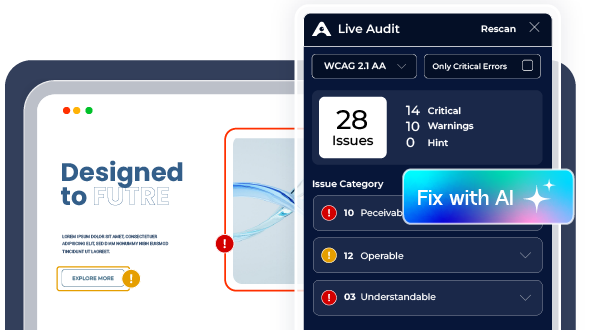
See how Live Audit identifies accessibility issues directly on a webpage and connects each finding to the affected element, WCAG requirement, user impact, and remediation guidance.
What You See With Every Accessibility Issue
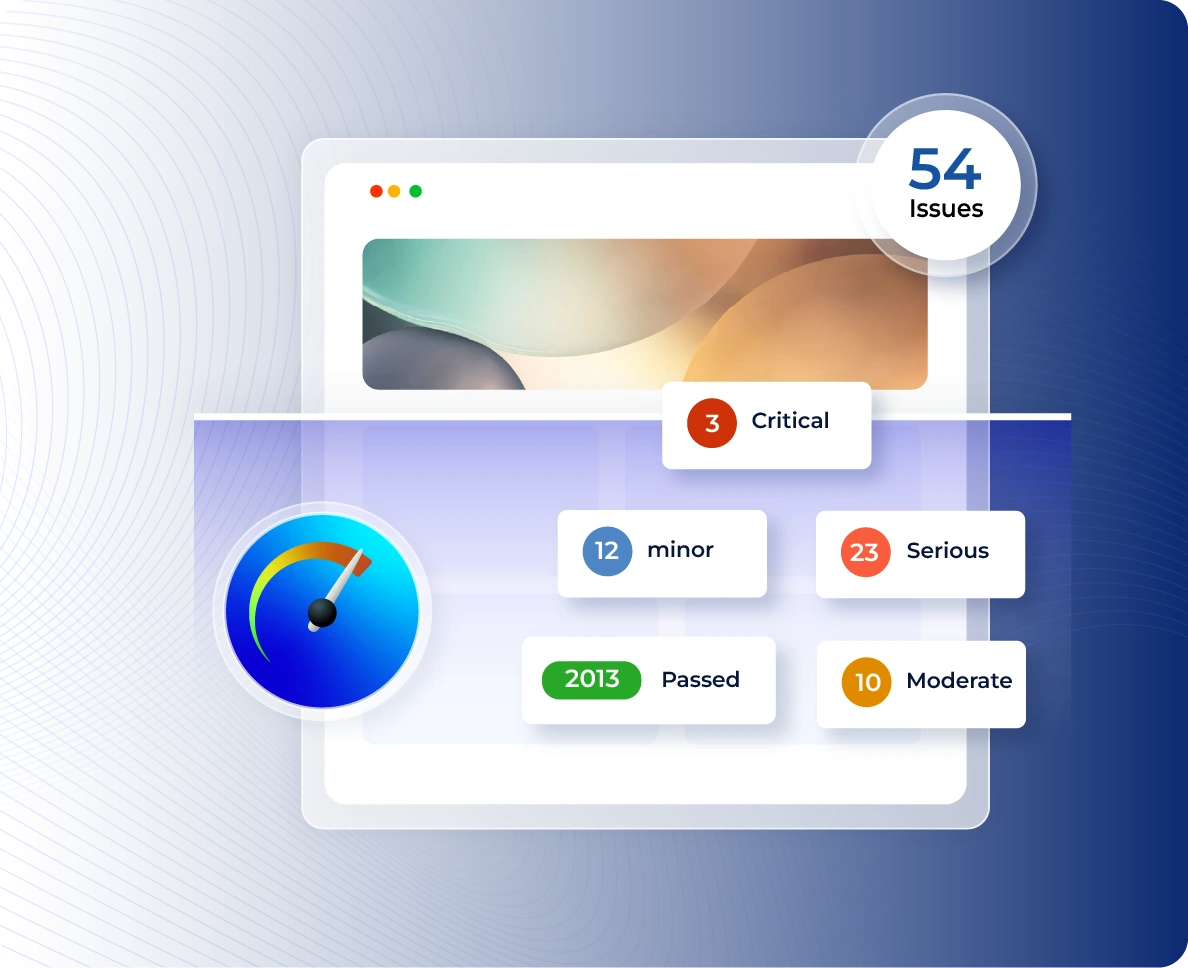
Compare a standard accessibility issue list with a live accessibility audit that shows exactly where an issue occurs, why it matters, and how it can be resolved.
Without Live Audit
| With Live Audit
|
What Makes Accesstive Live Audit Different?
Audit accessibility issues directly on live webpages, understand their impact, and review practical remediation guidance without relying on disconnected tools.
Accessibility Standards & Requirements | DACH Region
Accesstive audits against every major standard your law might require.. One scan. Full coverage.


The Full Platform
One Platform. Every Step of Accessibility.
Every step feeds the next. Install, scan, fix, and prove. The VPAT is the output of the whole system.
01 Install
Accessibility Toolkit
User controls from day one.
Every visitor.
02 Find
Live Audit
Scan pages. Detect issues. Monitor continuously.
03 FIX
Fix Hub
Assign fixes. Verify progress.
Close issues.
04 PROVE
Audit Report
Document accessibility efforts and progress.
Add Accesstive to
Your Website With
One Script
Want Accesstive available directly on your website? Add one lightweight script to WordPress, Shopify, TYPO3, Wix, or a custom-built site.
<script async src="https://cdn.accesstive.com/assistance.js" type="module"></script>
Copy. Paste. Start using Accesstive.
From Accessibility Findings
to Ongoing Remediation
Live Audit helps teams find and investigate accessibility issues. Accesstive then supports ongoing monitoring, remediation workflows, expert assistance, and accessibility documentation.
A Solution for Every Accessibility Need


FAQs
An audit that runs directly on your page, showing issues in real time, not in a separate report. Enter your URL and the sidebar opens instantly on your actual site.
Enter your URL. You land on your page with the Accesstive sidebar open. Issues appear categorised as Critical, Serious, Moderate, Minor, Passed, and Best Practice. Click any issue to see source code, fix instructions, and disabilities affected.
Live Audit supports WCAG 2.0 A, WCAG 2.0 AA, WCAG 2.1 A, WCAG 2.1 AA, WCAG 2.2 A, WCAG 2.2 AA, Section 508, Trusted Tester v5, and EN 301 549. You can filter results by any of these standards within the sidebar.
You can filter audit results by 9 disability types: Blind, Low Vision, Colorblindness, Mobility, Deaf, Deafblind, Cognitive, Attention Deficit, and Sighted Keyboard Users. This shows exactly which issues affect which users.
Click any issue in the sidebar to see the exact source code of the failing element, a plain-language rule description, and a one-click AI fix that gives you the exact code to resolve the issue. No external tools needed.
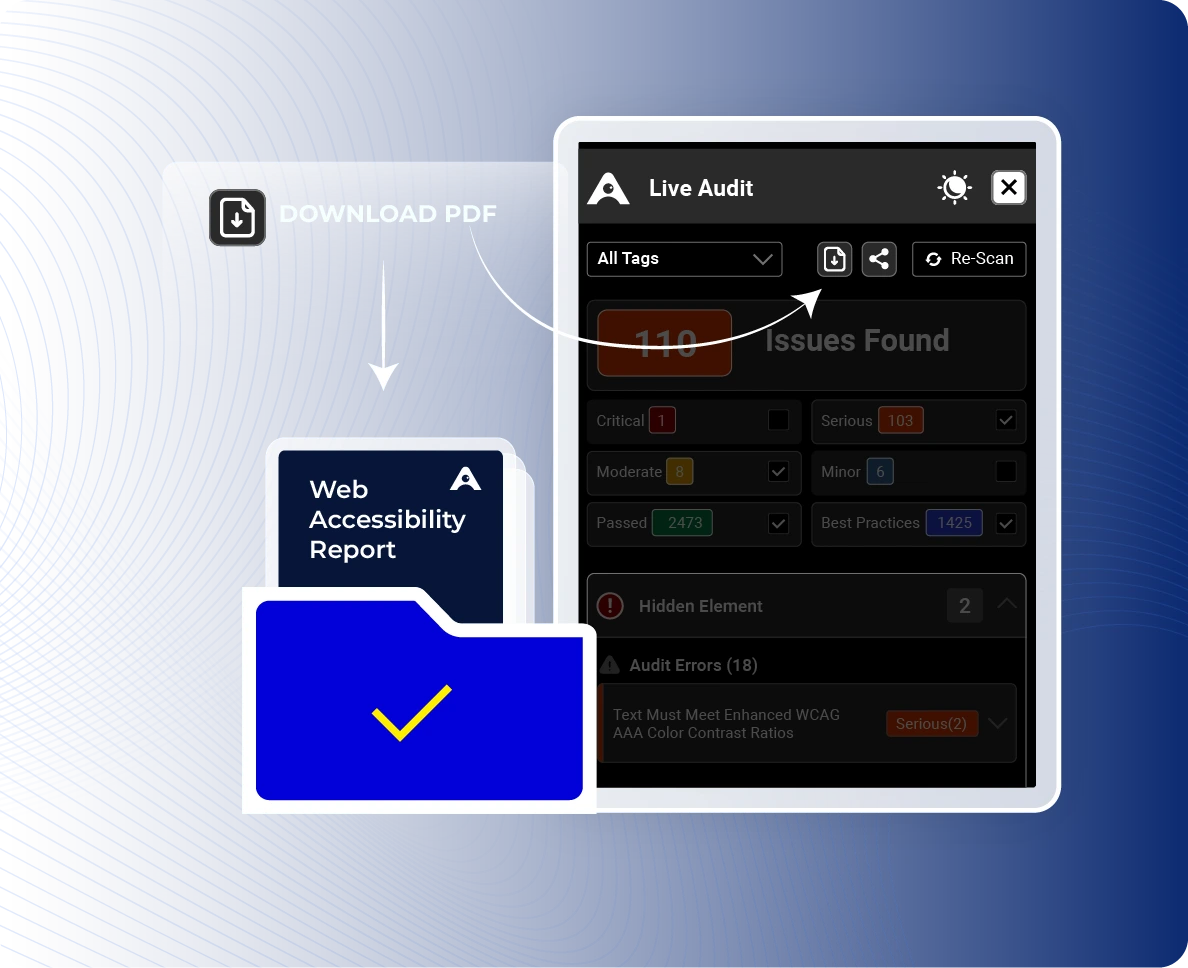
Yes. Live Audit includes a one-click download that exports all issues found in a single report. Use this for developer handoffs, compliance documentation, or internal reviews.
Yes. Live Audit works on any website regardless of the CMS or framework: WordPress, Shopify, TYPO3, Webflow, Drupal, Wix, and more. No integration or script installation required. Just enter the URL.
No tool can guarantee compliance, the standard requires implementation, not just detection. Live Audit identifies every detectable WCAG violation and provides the fix code. For complex interactions, cognitive accessibility, and legal-grade documentation, an Expert Audit adds human review and a verified VPAT. Together, they cover the full compliance requirement.
After every update. Any code deploy, content change, or new feature can introduce violations. Re-scan after every release.

Ready to Improve Your Website Accessibility?
Talk to Stefan, our Digital Accessibility Expert, for practical guidance on your accessibility challenges, audit findings, and next steps.