How to Integrate Accesstive with Popular CMS and Other Platforms?
No matter if your website is powered by WordPress, TYPO3, or any other CMS, accessibility must be part of the core, not something that is patched later.
Integrating Accesstive with your CMS turns accessibility from a technical challenge into a simple, automated process. It helps you maintain and support WCAG and ADA compliance effortlessly while improving usability for every visitor.
The result? A website that’s inclusive, compliant, and user-friendly, all without disrupting your workflow!
Overview of Accesstive
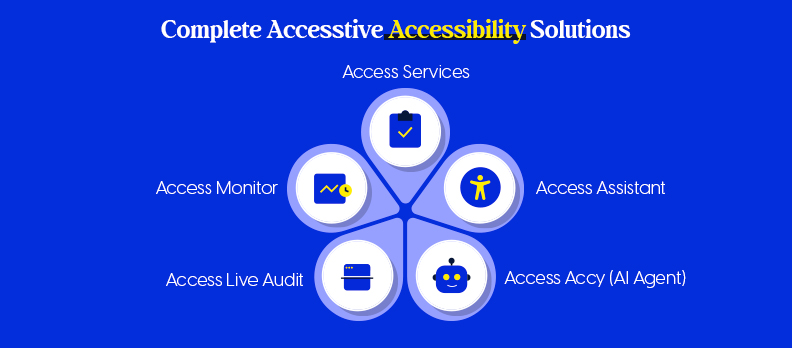
Accesstive is a product that provides a set of sophisticated accessibility solutions for different needs and platforms, enabling organizations to have their websites genuinely inclusive.
The components of the program work hand in hand to assist the website in supporting global accessibility standards and, at the same time, provide a comfortable and friendly experience to all users.
Here’s a brief presentation of the main Accesstive Products:
Access Assistant
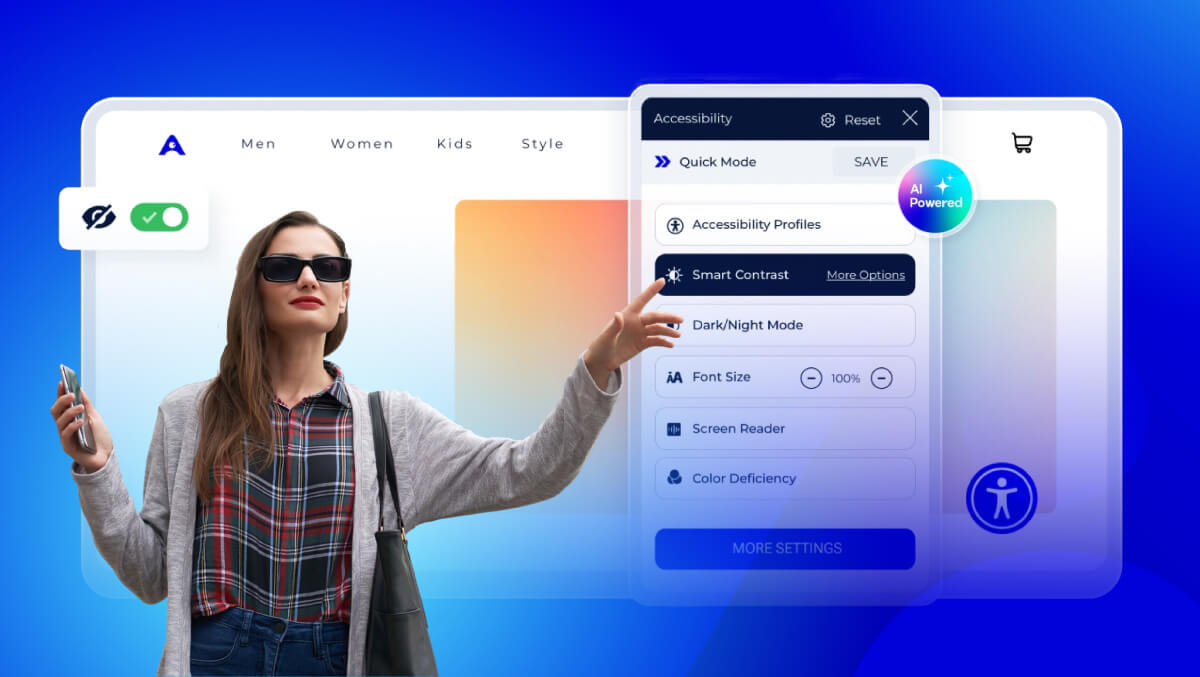
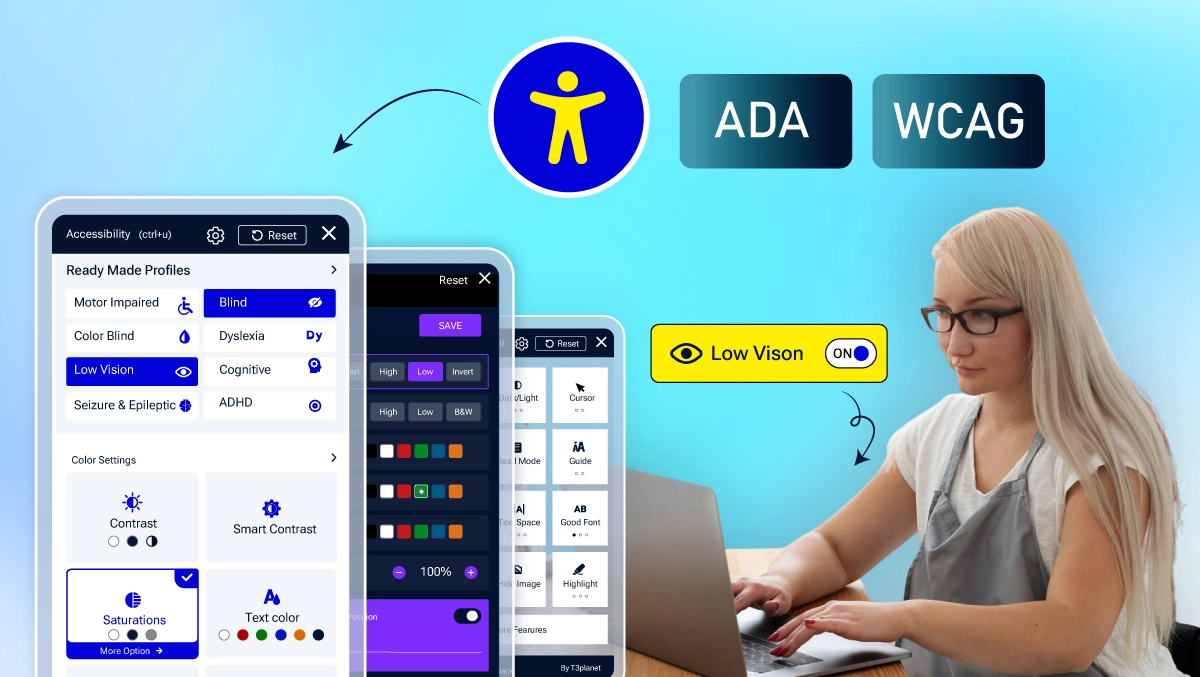
- It is a user-focused accessibility widget that enables website visitors to customize their way of interaction with a site.
- If the user needs to change the font size or the color contrast, or correlate the content with the screen reader, Access Assistant is the tool that guarantees that every user can do the browsing in the way that suits him/her.
Access Live Audit
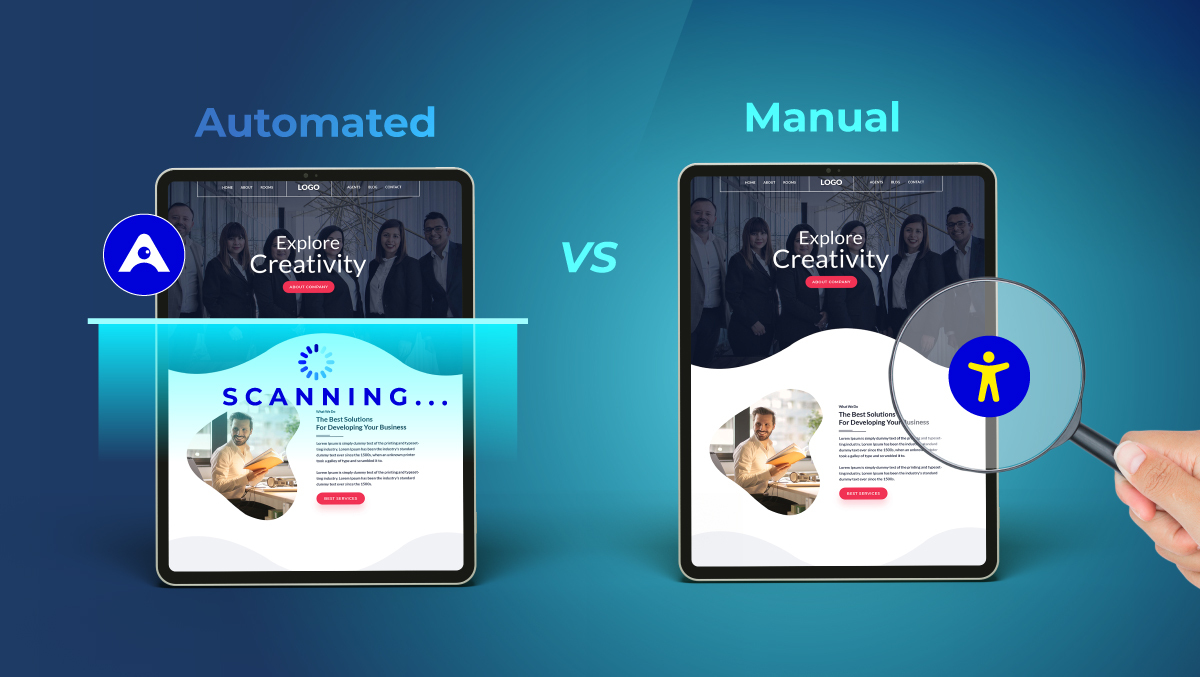
- It is a strong tool that, in real-time, performs an accessibility check all over your website.
- The tool instantly identifies accessibility issue locations, and by complying with WCAG and ADA standards, you do not need to have technical knowledge.
Access Monitor
- This tool changes the accessibility data into valuable action plans.
- It records the accessibility performance over time, pinpoints the areas where there is a problem, and facilitates the continuous improvement process by giving definite and measurable results.
Access Accy (AI Agent)
- An AI-driven accessibility agent that can go through the data automatically, recognize, and suggest solutions for the accessibility barrier sources is the intelligent algorithm user.
- By doing so, it adds automation and accuracy to your compliance efforts.
Access Services
- An expert-driven accessibility approach is a business solution that provides hands-on help when required.
- The team of professional services, through audits, remediation, and compliance strategies, ensures that your digital presence stays accessible and is updated regularly.
Together, these tools make Accesstive your accessibility partner, a full-automation, AI, and expert support integration that eases the compliance process and improves the digital experience.
Accesstive Integration with CMS Platforms
Accesstive integrates smoothly with all common CMS systems without requiring coding knowledge.
a) WordPress
- Use the Accesstive plugin in your WordPress dashboard or embed the code yourself.
- Turn on the plugin and the accessibility widget, and it will be displayed on the website automatically.
- Users can customize their accessibility experience, such as text size, background color, and navigation settings.
- The accessibility scan is real-time and automatically checks for compliance with WCAG and ADA standards.
b) TYPO3
- In just a few clicks, the Accesstive TYPO3 extension can be downloaded and installed.
- From the TYPO3 backend, you can configure the placement and style of the widget.
- You can customize the accessibility options to match your own site layout and styles.
- A single integration provides continuous monitoring and accessibility improvement methodologies.
c) Joomla
- Accesstive can be integrated and set up by adding a light-weight script, or using the Joomla plugin.
- There is no coding required: setup can be done in just a few minutes.
- Your website users will be able to choose to increase text size, change color contrast, navigate the site by keyboard, and more.
- The accessibility compliance will be added for your Joomla website, and it will comply with international accessibility standards.
d) Strapi
- Add Accesstive by using a custom plugin or adding the widget script.
- Perfect for headless CMS environments and contemporary web apps.
- Accessibility tools and flexible access control options can be implemented with AI-powered accessibility tools.
- The WCAG compliance process is ensured by all Strapi-managed content.
e) Contentful
- The Accesstive widget code should be included in your Contentful layout or templates.
- Initiates fast accessibility to all published pages.
- Maintains a lightweight configuration that does not affect performance or structure.
- Ensures that your Contentful website is accessible to the masses.
f) Divi / Wix / Webflow / Squarespace / Dreamweaver
- Please add a script snippet to the footer or template.
- It will give a widget that enables all pages accessibility widget.
- Personalize widget icons, color, and features depending on the theme of your site.
- It is best suited for creators who want quick access from the developer without developer intervention.
Accesstive Integration with E-Commerce Platforms
Accesstive makes your online store easier for everyone to use. It does not matter if your customer has a disability or not; they will be able to shop with ease. The tool can be added quickly to the best web store CMS and frameworks..
Shopware
- Add Accesstive to your site by using a special plugin or putting the widget code by hand.
- You do not need any tech skills for this setup.
- When done, the accessibility bar will show up on all your store pages.
- Use it to keep your store accessible at all times.
- Give a better shopping experience to all your visitors.
- Help avoid legal issues and lawsuits while everyone uses your site more easily.
- Make your site more accessible and keep up with the latest rules.
Other E-Commerce Platforms (Magento, WooCommerce, Shopify, etc.)
- Add the Accesstive code easily in your site's main footer or theme options. Accessibl
- No effect on the site performance or look.
- Use tools for text, contrast, and keyboard use.
- Make your site more compliant and user-friendly for everyone.
Benefits for Online Stores
- Bring in more customers with disabilities.
- Show that you care for all customers.
- Help everyone shop easily.
- Avoid legal risks tied to accessibility laws.
- Get better customer engagement and higher sales.
Accesstive Integration with Site Builders
Accesstive makes it easy to ensure websites are accessible. No need to work with code. If you use Webflow, Wix, Squarespace, or Divi, you can enable accessibility features in a matter of minutes. Accesstive integrates with all these.
Supported Site Builders
- Webflow
- Wix
- Squarespace
- Divi
- Dreamweaver
Integration Steps
- Get the widget script from your Accesstive dashboard.
- Add the code to your website footer or template editor.
- When you save your changes, the accessibility widget activates on all pages of your site.
- Adjust the widget settings to your specifications.
Key Highlights
- No technical skills are needed.
- Integration is quick.
- The widget does not impact the site.
- You can change the widget in any way.
- You have all the tools needed for accessibility.
By using Accesstive with your site builder, you are assured that your website is up to accessibility standards. This makes the Visor experience more streamlined and inclusive.
Benefits of Using Accesstive Across CMS Platforms
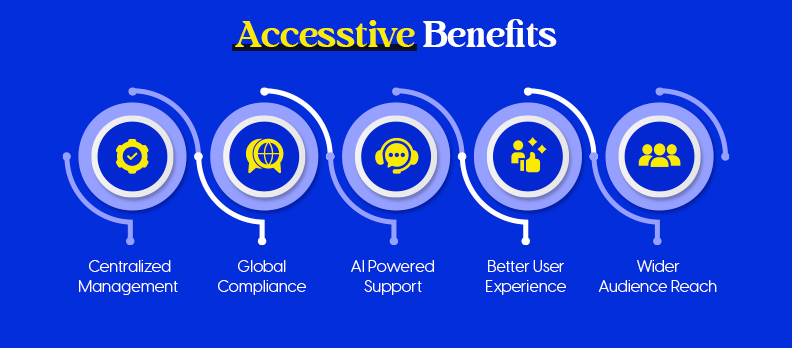
As a result, Accesstive connects to your CMS ecosystem, making your products easier to navigate, compliance more complete, and user-friendly.
1. Centralized Management
- All of your websites can be accessed from one dashboard.
- The track record of performance, compliance, and improvement is easy.
2. Support Global Compliance
- Support WCAG, ADA, and Section 508 standards.
- Real-time audits and automated fixation reduce manual testing.
3. AI-Powered Support
- The Access Accy AI Agent measures and resolves accessibility issues by using automated processes.
- Provides practical advice on how to keep it effective over time.
4. Better User Experience
- Visitors can adjust the text size, color contrast, and navigation with ease.
- It improves user-friendlyness for everyone, not just disabled users.
5. Wider Audience Reach
- This makes your site accessible to a larger audience.
- A trust-building tool for participation, engagement, and inclusivity.
Accessible helps you keep your website functional, compliant, and easy to maintain across any CMS. For detailed info on integrating Accesstive with other platforms, you can check out our Accesstive integration page.
Conclusion
Accessible makes the CMS perfectly compatible, so you don’t need to worry about being too complicated and not being able to take full advantage of accessibility.
In fact, if you’re a WordPress, TYPO3, or any other platform, Accesstive will make building a more inclusive web easy.
Here’s to taking a step forward today by taking a free accessibility audit and finding out how easily you can make your website welcoming to everyone.
FAQs
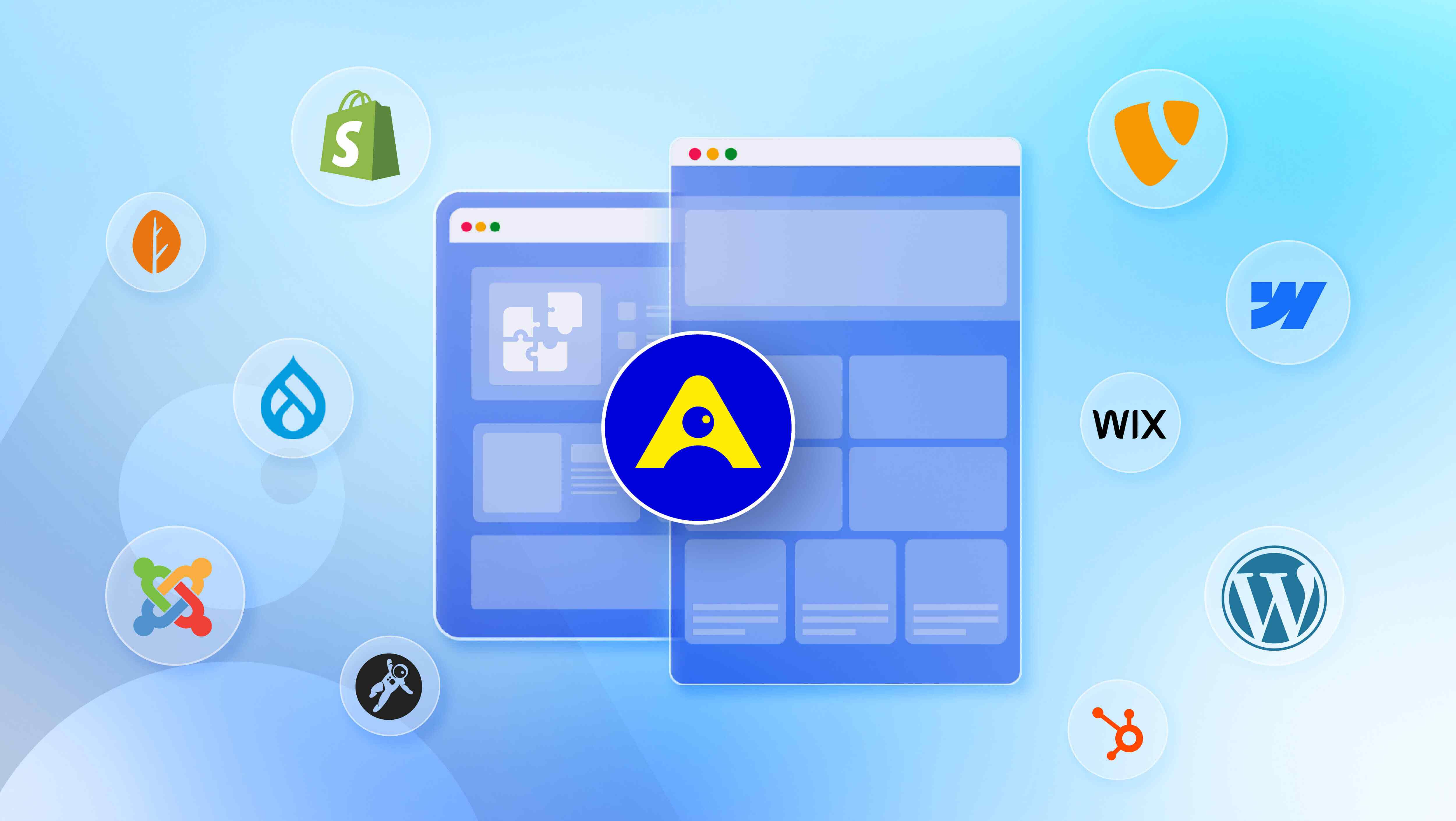
Accesstive integrates with many CMS systems, including WordPress, TYPO3, Joomla, Strapi, Contentful, Webflow, Wix, Squarespace, Divi, and Dreamweaver. It also integrates with the e-commerce system, Shopware.
No coding is required at all. Most CMS systems can integrate with Accesstive with just a few clicks or by pasting a small script. Also, WordPress and TYPO3 have plugins ready to use, which makes the integration process even easier.
No, Accesstive does not come with performance issues. It is designed to be lightweight and optimized, which means it will not slow down or hurt the performance of your website in any way.
There is, in fact, a free accessibility audit from Accesstive that will give you a good understanding of your site’s accessibility before you integrate the platform, so check that out to see.
Of course, the Access Services team is there to provide you with professional guidance, audits, and implementation support whenever you need it.