Exploring the Features of Accesstive Accessibility Widget
Every click, scroll, and tap on your website tells a story. But what if some users can’t turn the page?
Accesstive Access Assistant is a Human First, powered by AI, accessibility widget, built to simplify the complex world of WCAG and ADA compliance.
Instead of long audits and manual fixes, the widget works instantly to detect, adjust, and enhance accessibility features across your site, helping you stay compliant and user-friendly at the same time.
What is Accesstive Accessibility Widget?
Accesstive Accessibility Widget (Access Assistant) is a Human-First, AI-powered accessibility tool that helps websites to support WCAG and ADA accessibility standards.
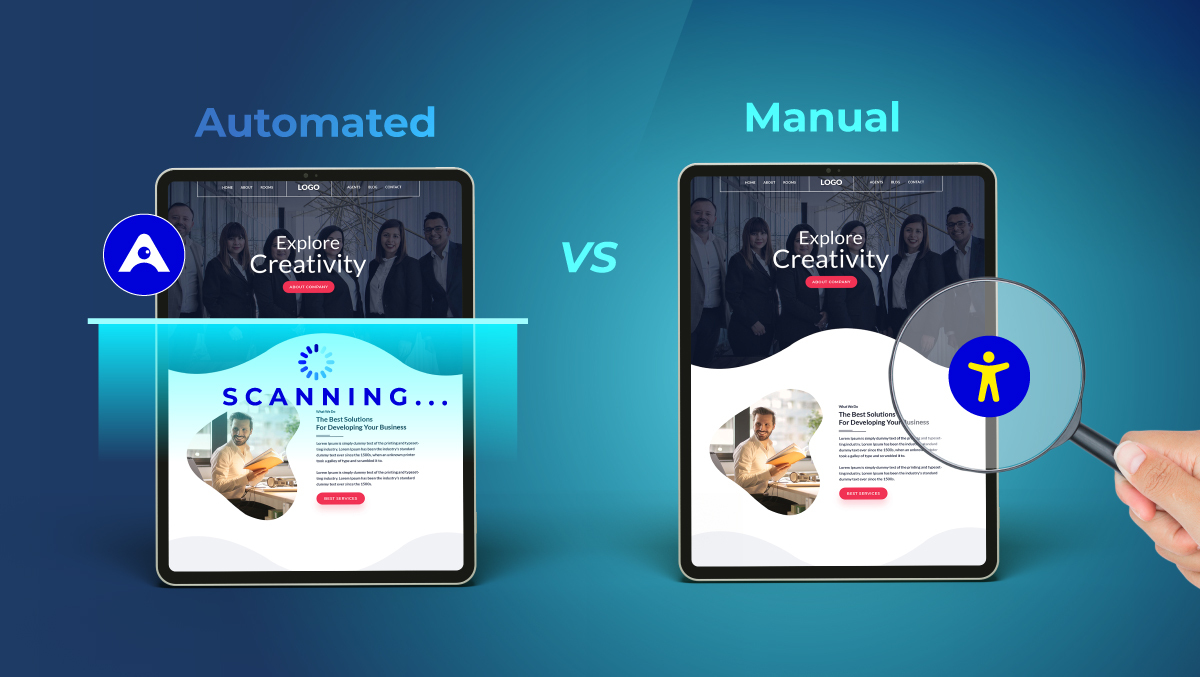
It automatically scans your website, detects accessibility barriers, and applies real-time improvements to make your content more inclusive.
Pretty simple and straightforward in its purpose, the device is only one line of code away from your site; no heavy installation or technical skills are needed.
After turning it on, it keeps your website under its radar regularly, thus, people with different abilities are able to use, understand and interact with the content on any page without problems.
Key Features of Accesstive Accessibility Widget
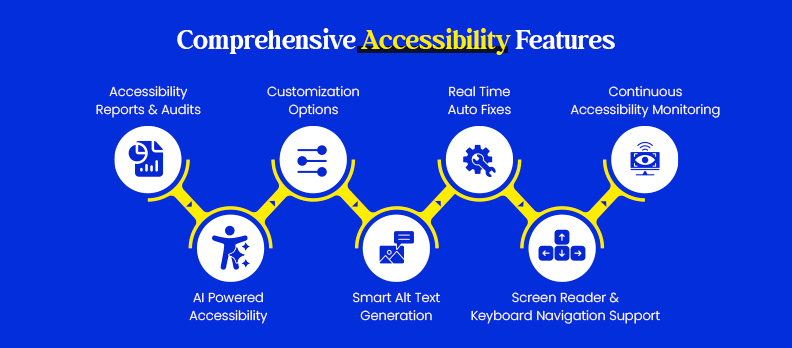
Accesstive Accessibility Widget (Access Assistant) is an all-in-one solution that combines automation, AI intelligence, and user-friendly customization to support any website to be WCAG and ADA compliant.
1. AI-Powered Accessibility
With its AI, which considers context, it comprehends the appearance as well as the behaviour of each element on your site and thus ensures complete accessibility coverage.
- Based on the visuals, as well as the structure, it decides the layout on its own.
- Goes deep to find the accessibility issues which are beyond what traditional code scanners can detect.
- Even if your website design keeps changing, it continuously adjusts.
2. Smart Alt Text Generation
Using vision and OCR technologies, computer vision is employed by the system to analyze all the images and media elements.
- For those images without alt texts, descriptive ones are created by the system automatically.
- Screen reader users will get the right context for the content they are listening to.
- The manual work of content editors and developers is reduced.
3. Real-Time Auto Fixes
Accessibility-related changes lead to live updates through which the issues are fixed instantly.
- Works on color contrast, navigation structure, and ARIA labels.
- When new content is added dynamically, the system also changes accordingly.
- Ensures that your website is always compliant without any manual intervention.
4. Continuous Accessibility Monitoring
Accessibility is not held accountable once only; Accesstive is always there.
- Every page is under surveillance for continuous compliance.
- New problems are recognized and reported immediately.
- It is a long-term solution that ensures you will be accessible even when your website changes.
5. Screen Reader & Keyboard Navigation Support
The widget guarantees that the users who are visually or motor-impaired do not face any difficulties.
- One is entirely able to navigate the website by using only a keyboard.
- Rationalization of the reading sequence, as well as optimization of focus indicators, is performed.
- It is compatible with widely used screen readers for user-friendly interaction.
6. Customization Options
No two websites or their audiences are the same, and so, Accesstive enables you to personalize the experience.
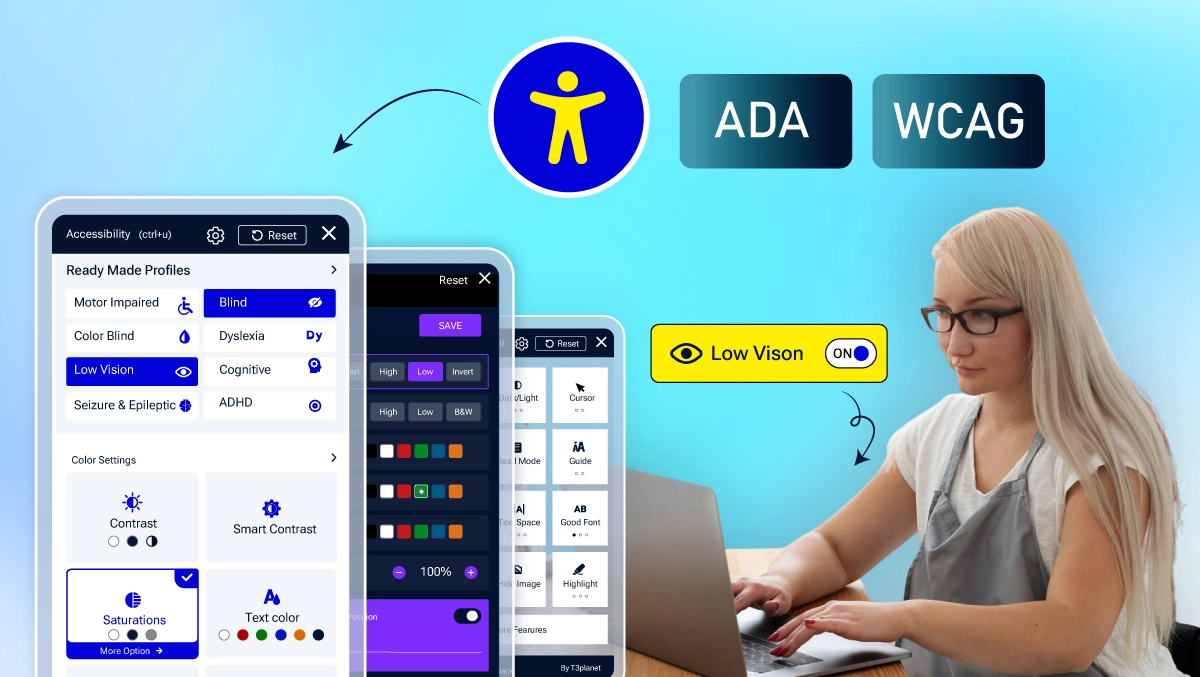
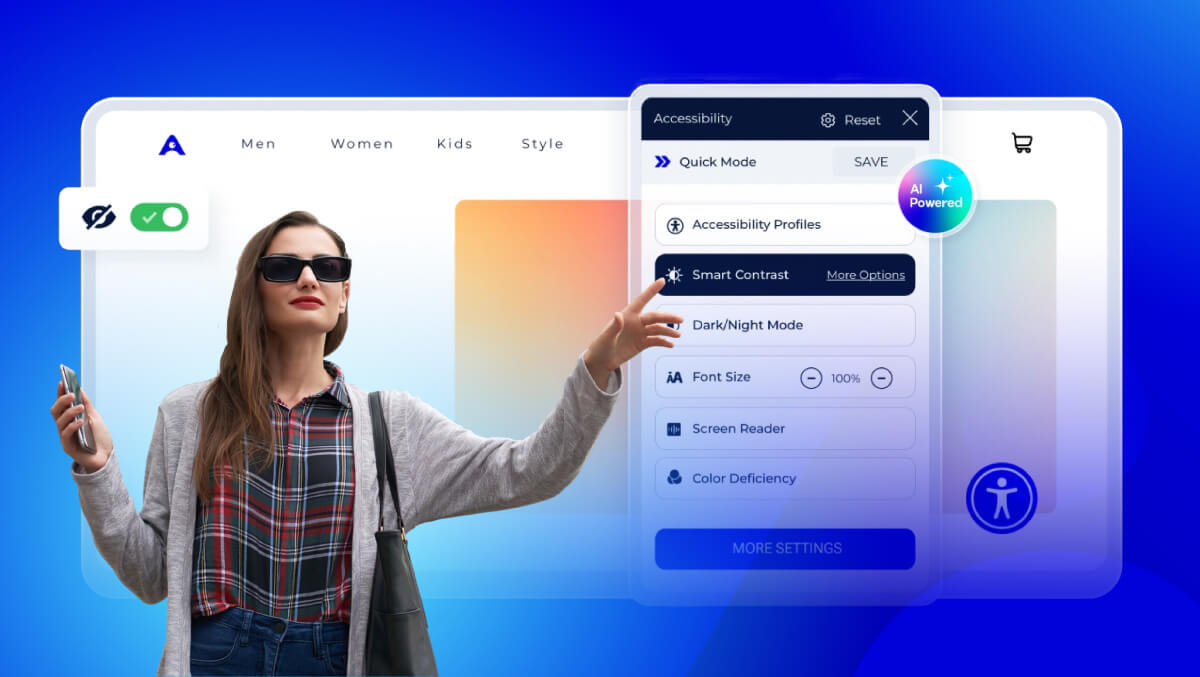
- There is a provision for the user to change color contrast, text size, and make text more readable by spacing it.
- By highlighting the links and the headings, the reading process becomes easier.
- Enables different accessibility presets besides the dark/light mode.
7. Accessibility Reports & Audits
Be on top of things with the most transparent and easily actionable insights.
- Produces thorough compliance documents for WCAG and ADA.
- It pinpoints the problems as well as the solutions implemented by the AI.
- Gives you continual assessments to measure your progress through time.
How Access Assistant Helps to Support Compliance
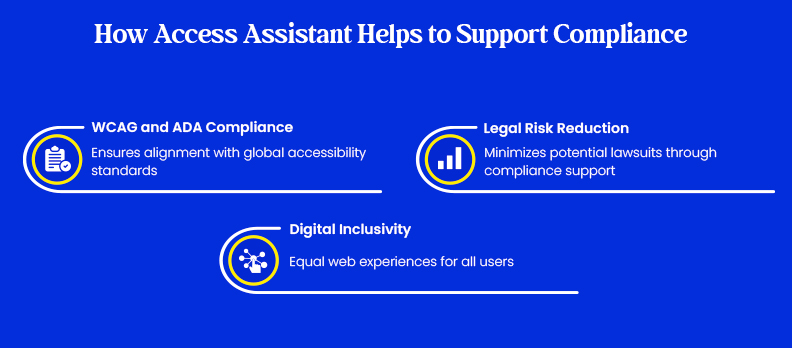
Accesstive Accessibility Widget (Access Assistant) is designed to make web accessibility compliance easy without compromising the user experience. The product corresponds to worldwide accessibility criteria and lessens the technical work that has to be done regularly.
1. Meets WCAG and ADA Requirements
- It is aligned with the Web Content Accessibility Guidelines (WCAG 2.1 & 2.2) and ADA (Americans with Disabilities Act) standards comprehensively.
- Supports the four core accessibility areas: perceivable content, operable navigation, understandable interfaces, and code that is robust.
- Contributes to the realization of a truly universal web for all people.
2. Reduces Legal Risks
- It substantially limits the risks of being sued because of a lack of proper accessibility measures.
- By implementing accessibility best efforts automatically, it is always on the right side of the law.
- It is easy to generate compliance reports demonstrating how accessible your website is.
3. Promotes Digital Inclusivity
- Enables the same quality of the web experience for users with different types of disabilities: visual, auditory, motor, or cognitive.
- Gives brand value a lift by demonstrating your brand’s commitment to inclusiveness.
- Welcomes trust and interaction from the whole visitor pool.
Comparison Table with Other Widgets
While many accessibility tools offer automated fixes, Accesstive stands out with its combination of AI intelligence, continuous monitoring, and detailed audit reports, making it more than just a quick overlay.
| Feature | Accesstive | AccessiBe | UserWay | EqualWeb | AudioEye |
| AI Auto-Fix | ✔ Contextual AI with real-time fixes | ✔ Code-based automation | ✔ Basic AI fixes | ✔ Advanced AI + manual support | ✔ AI + expert review |
| Monitoring | ✔ Continuous site-wide tracking | ✖ Manual rescans | ✖ Limited | ✔ Real-time monitoring | ✔ Ongoing checks |
| Reports & Audits | ✔ Detailed WCAG/ADA reports | ✖ Basic summaries | ✖ Minimal | ✔ Full audit reports | ✔ Comprehensive reports |
| Alt Text Automation | ✔ AI OCR for images | ✖ Limited | ✖ Manual setup | ✔ Available | ✔ Partial |
| Customization | ✔ Contrast, font, layout options | ✔ Toolbar options | ✔ Toolbar options | ✔ 40+ UI settings | ✔ Personalization tools |
| Keyboard & Screen Reader Support | ✔ Fully supported | ✔ Supported | ✔ Supported | ✔ Supported | ✔ Supported |
| Integration | ✔ One-line install | ✔ Easy setup | ✔ Easy setup | ✔ Simple setup | ✖ Slightly complex |
| Compliance Focus | ✔ WCAG + ADA | ✔ Legal protection focus | ✔ Basic compliance | ✔ Global standards | ✔ Hybrid compliance model |
| Unique Strengths | AI + monitoring + audits | Popular overlay tool | Simple & affordable | Enterprise-grade features | Automation + human QA |
Conclusion
Unlike many other overlays, Accesstive focuses on long-term accessibility, not temporary fixes. It ensures your site stays aligned with WCAG and ADA standards, reduces legal risks, and enhances the experience for all users.
To get started, you can run a free accessibility audit through Accesstive to identify existing issues on your site. Once the widget is activated, it automatically works to fix, monitor, and maintain compliance, keeping your digital presence accessible and future-ready.
FAQs
It is a smart AI-powered tool that quickly finds and resolves accessibility issues on your website; thus, it is a great way to achieve compliance with the WCAG and ADA standards without writing any code.
Unlike most overlays that only mask the problem, Accesstive leverages AI automation, real-time monitoring, in-depth audits, and it keeps updating continuously.
Not at all. Just one line of code from your website is enough to put it in place. The widget starts its work of scanning and upgrading accessibility right away.
Indeed. Accesstive provides a free accessibility audit that pinpoints the gaps in your site and compliance level, even before you turn it on.
By the hour, it keeps an eye on your site for changes, updates, or tweaks and, as a matter of fact, it automatically implements the necessary fixes to preserve accessibility in the long run.