Accesstive's Accessibility Widget to Support Accessibility Standards
Who gets left behind? This question isn’t always easily identifiable. A checkout button that vanishes for someone with a screen reader. A news article where only the colour of the text blends in with the background for someone with low vision. A navigation menu that is impossible to reach without a mouse.
These are barriers. The ADA stipulates this. The WCAG outlines how to do this. But the real reason to care? Because a site that excludes someone is not just inaccessible, it is incomplete. But for this, you don't have to totally rebuild your site to meaningfully enhance accessibility.
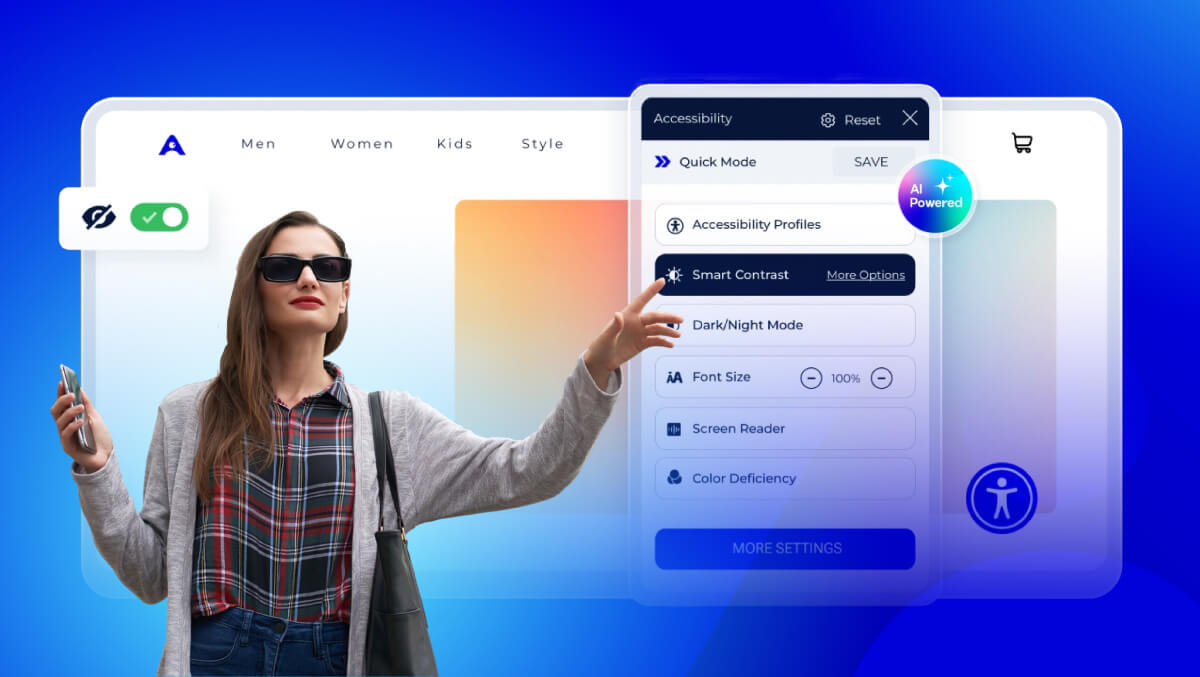
Accesstive's Accessibility widget, also known as Access Assistant, is a smart AI-powered tool. It helps you make your digital space more accessible. You can do this quickly and easily, without slowing down your site.
Let's take a look at what it does and how it works!
Accesstive’s Accessibility Widget (Access Assistant)
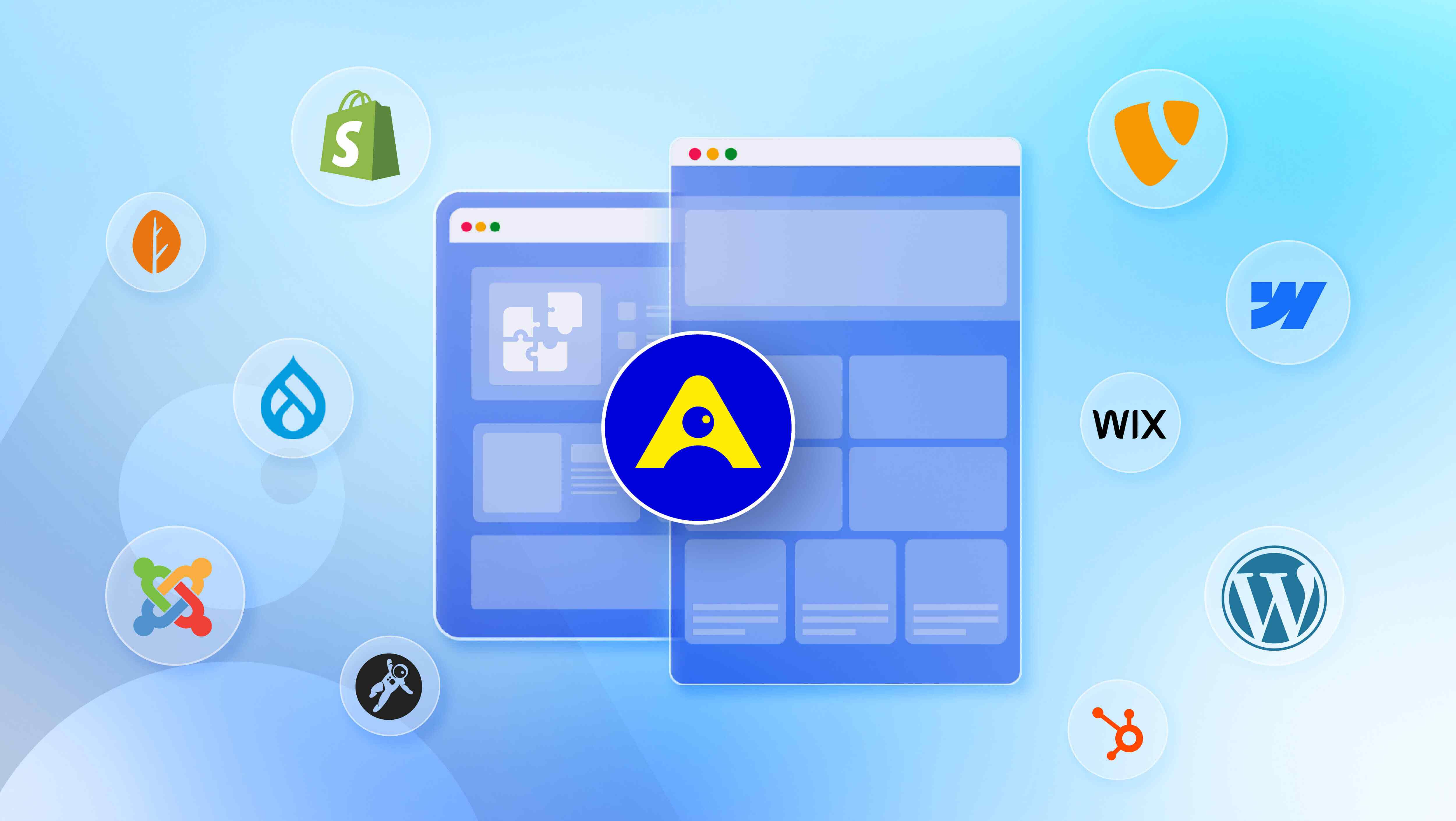
Accesstive's Access Assistant is designed to make a website more accessible and inclusive for every visitor. There is no need to design a new website; the Access Assistant is a digital assistant that lives on your website and is available to assist visitors with varying accessibility needs.
It uses artificial intelligence, which allows it to identify barriers to access quickly and provide tools to lessen the challenges people may face.
Despite the intelligent ability to support users and website owners, the Access Assistant is lightweight and will not create lag or interfere with the layout and functionality of your site.
For website owners, it assists in aligning current sites and the accessibility expectations of their customers under laws like the ADA and guidelines like the WCAG.
For users, it means you have considered their needs, made an effort to provide accessible options, and you want the visitor to feel comfortable engaging with content on your website.
How Does Access Assistant Work?
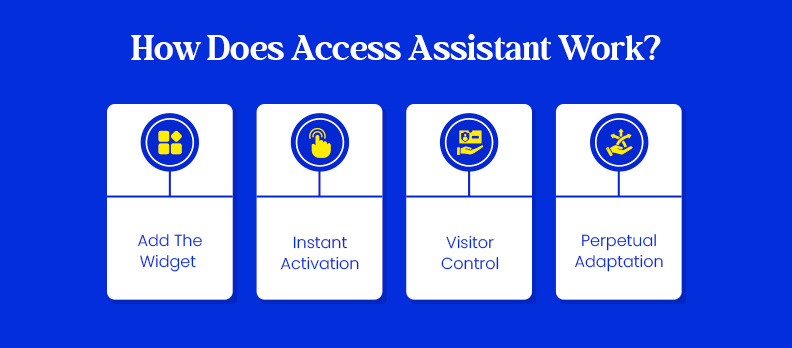
- Add the Widget - Simply install the small piece of code given to you by Accesstive to your site.
- Instant Activation - Upon installation, the widget will show on every page of your site wherever the source code is installed.
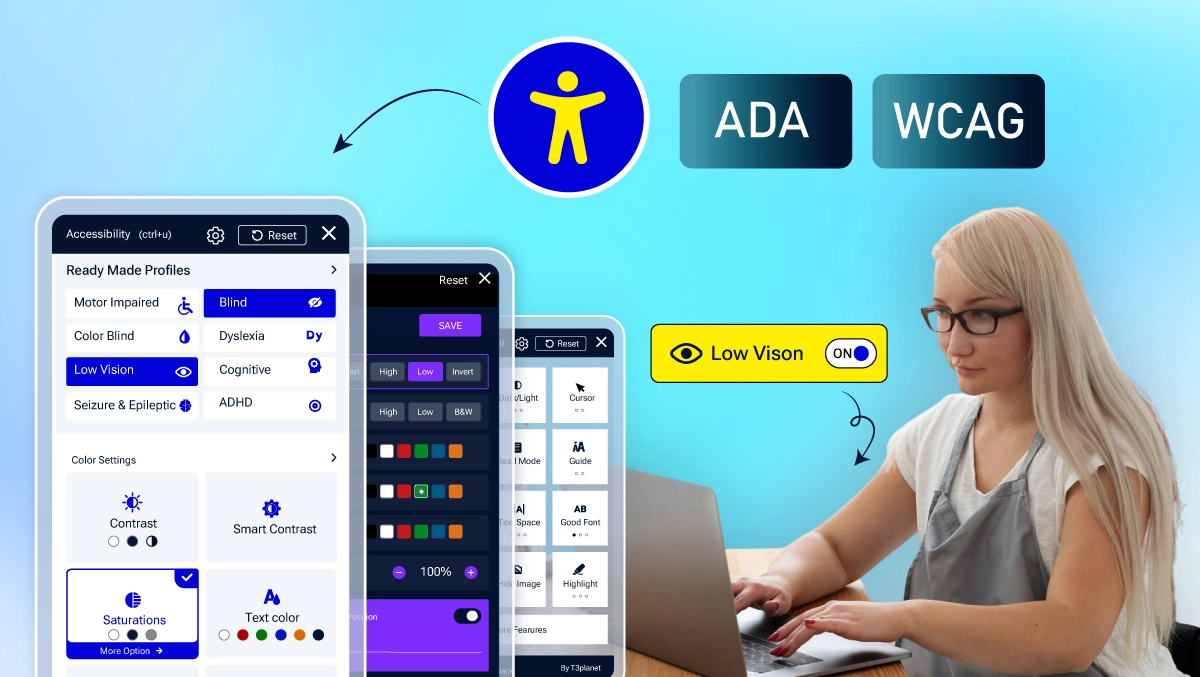
- Visitor Control - The visitor can open the accessibility menu and choose the best adjustments for their surfing experience.
- Perpetual Adaptation - As an AI-assisted tool, it will also help visitors navigate their site and adapt on its own with layout/content updates without requiring you to update it.
What is unique about it is flexibility; it does not try to impose a single "accessible version" of your site. It allows each visitor to tailor the page to their needs without altering the visitor's view.
One visitor may increase font size and increase contrast, while another may use your site and see the original style intact.
Understanding ADA & WCAG Requirements for Web Accessibility
The Americans with Disabilities Act (ADA) is a civil rights law that guarantees equal rights and opportunities to individuals with disabilities.
People often think about the ADA in terms of physical spaces, such as ramps or accessible bathrooms, but the ADA also applies to digital access.
Think of all the platforms we rely on for services, e-commerce, and education, and access would mean that websites, applications, and online services are accessible as well.
The Web Content Accessibility Guidelines (WCAG) are a technical roadmap on how to achieve that. These guidelines are specific on how to create web content that is:
- Perceivable – Clearly and consistently presented to persons in formats they can see, hear or otherwise perceive.
- Operable – All functionalities can operate if one is utilizing methods other than a mouse or touchscreen to access.
- Understandable – The content and navigation can be consistently formatted and clear in meaning.
- Robust – The site behaves well with assistive technology, such as screen readers.
If these four points are not addressed, businesses put themselves at risk of a potential lawsuit, but businesses also risk alienating a large portion of their prospective audience.
Commitment to ADA and WCAG isn't just about making sure you don't get in trouble; it is making sure people aren't excluded from participating in aspects of what you offer on your site.
How Access Assistant Supports ADA & WCAG Compliance
Accesstive's Access Assistant is created with the essential principles of WCAG in its foundation, supporting websites in aligning with technical WCAG success criteria without extensive redevelopment.
It achieves this by adding a host of accessibility tools right into your site and allowing your visitors to modify their user experience.
For companies, this is not only a convenience, but a proactive approach to lowering the risk of ADA-related lawsuits, it shows you are taking accessibility seriously, and not just as an afterthought!
Key Features & Benefits of Access Assistant
Accesstive's Accessibility Widget is loaded with features that make a difference to each user while remaining simple for site owners.
- Quick install: The only thing you will need to do is add a small script to your site, up and running in minutes, not weeks.
- User-controlled adjustments: Your visitors can modify things to meet their needs, without changing the way it looks for everyone else.
- Broad support: It supports people with a range of needs, whether they are visually impaired or have motor skills or cognitive disabilities.
- Performance-friendly: The widget is lightweight, so there will not be any performance issues, and it will not override your existing design.
Giving users control creates an opportunity for everyone to engage with your site in the best way for them, and keeping it easy means accessibility is a realistic goal instead of an overwhelming task.
Implementation & User Functionalities of Accessibility Widget
Getting Accesstive’s Access Assistant installed on your platform was simple. You just need to copy a small amount of code or upload our plugin to your site, and the widget is immediately available to use.
It is easy to implement, there is no rebuilding a whole site, and it doesn’t require lots of complicated technical work.
Once active, the widget gives visitors powerful tools right at their fingertips:
- Keyboard navigation: for those who can’t use a mouse, they can move around your site without difficulty.
- Font and spacing controls: sometimes reading is more comfortable for people with low vision or reading issues when they can change them.
- High-contrast and color-blind modes: improve visibility according to the user’s visual needs.
- Animation controls: allow you to pause or hide all animations, eliminating distraction or discomfort for some visitors.
- More... explore all functionalities at the Access widget
This configuration means allowing your site to facilitate a more inclusive experience immediately., without impacting performance or site design.
Conclusion
By following the intent of the ADA and WCAG, Accesstive helps organizations make meaningful progress in accessibility without disruptive technical overhauls.
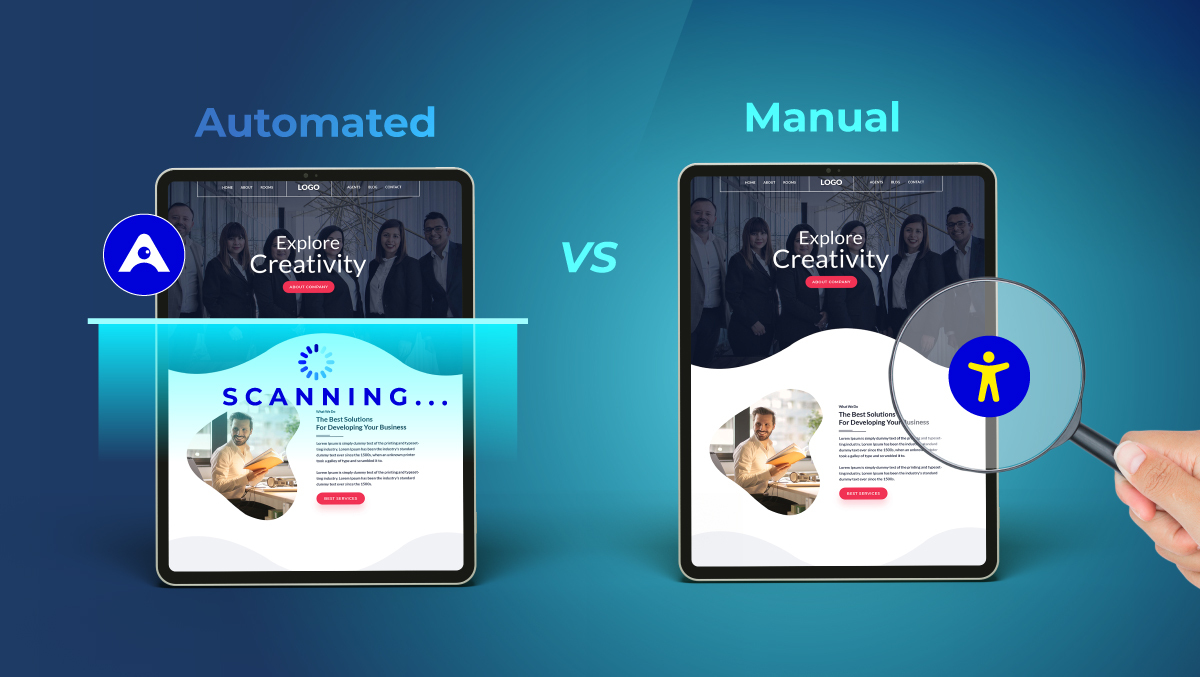
While no single tool can make a website fully compliant on its own, Access Audit identifies key accessibility gaps early, and Access Monitor ensures those improvements are maintained over time.
To support inclusive navigation and content discoverability for users, Access Accy adds an assistive layer, while Access Services provide expert audits, remediation guidance, and long-term accessibility strategy.
Together, these capabilities improve legal resilience, build user trust, and help organizations treat accessibility as an integrated part of digital quality — not an optional add-on.
Not sure where your site stands right now?
Run a Free Accessibility Audit with Accesstive to identify barriers and get clear, actionable insights for improvement, before they become legal or user-experience issues.