Alt Text Cheat Sheet for Marketers
Often times, marketers overlook the role of alt text, and images are not optimized for accessibility, hampering user experience and SEO performance. This can create a crucial issue, as are more and more businesses and brands seeking to use images to convey meaning to the user and engage them.
From an SEO perspective, alt text has a measurable impact. Studies show as much as ~20% of content in Google search results originates from Google Images, which means optimizing images is an opportunity to gain visibility for your website.
In this guide, we are going to look at how marketers can become alt text experts, increase alt text accessibility and ultimately write 'accessible' alt text that supports users and search engines.
Why Marketers Should Prioritize Accessible Alt Text
Accessible alt text helps marketers reach more users, reduces risk, and provides better overall digital experiences. It ensures that images communicate clearly for everyone, including people using screen readers.
Legal and Compliance Considerations: ADA, WCAG, SEO Standards
- Missing alt text can also violate ADA and WCAG rules.
- Many accessibility lawsuits cite inadequate, or nonexistent image descriptions.
- WCAG requires text alternatives for meaningful images.
- Proper alt text supports both compliance and search visibility.
Brand Trust and User Inclusivity Through Accessibility
- Inclusive design builds trust with all users regardless of their abilities.
- Clear alt text provides a signal that the brand values accessibility.
- Accessible content increases user satisfaction and time on site.
- Inclusion makes brands seem more responsible and, therefore, more reliable.
By making alt text accessible, marketers ensure compliance, gain trust, and offer an inclusive digital experience for all.
Elements of High-Quality Alt Text
A good alt text description should provide the user with the basic meaning or content of an image, without necessarily providing more detail than is necessary. Where done properly, this improves accessibility and enhances SEO, strengthening overall clarity of communication.
Writing Clear, Concise, and Descriptive Alt Tags
- Use simple, straightforward language that quickly explains the core purpose of the image.
- Describe only what is visible without assumptions or interpretations not shown.
- Keep it short (usually no longer than 125 characters), but meaningful.
- Focus on key details: object, action, and context.
- Example: "Woman typing on a laptop during a virtual meeting."
Avoiding Keyword Stuffing While Improving SEO
- Add keywords only when they naturally fit the description.
- Never force SEO terms that don't match what the image shows.
- Prioritize clarity over ranking, accessibility always comes first.
- Naturally use variations: for example, "marketing dashboard report" instead of "SEO dashboard SEO".
- Remember, repetitive and unnatural phrasing are penalized by Google.
Contextual Relevance: Matching Alt Text to Purpose
- Write alt text based on the image's role on the page, not just what's shown.
- For decorative images, use empty alt (alt="") in order to avoid noise for screen readers.
- Tailor descriptions to the surrounding copy, ask: Why is this image here?
- Keep the alt text consistent with the message or action that the image supports.
- Example: "Add to cart button in an online shop", if the context is about e-commerce.
A good alt text strategy balances accuracy, brevity, and user-oriented communication. By emphasizing clarity of description and contextual relevance, images not only become more accessible but also more valuable to search engines, which often improves engagement and organic visibility.
Alt Text Cheat Sheet for Marketers
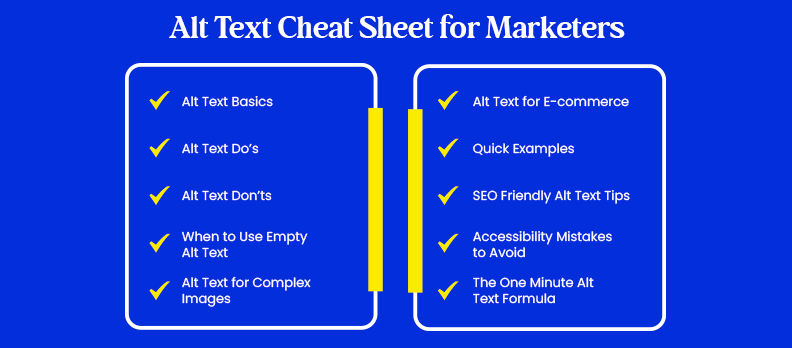
Alt text can be confusing for marketers in a rush, but it doesn't have to be. A well-written alt description improves accessibility, supports SEO, and ensures every user, including those with screen readers, can understand the meaning of your images.
To make this easier, here's a quick-reference cheat sheet that summarizes the essentials of writing clear, accessible, and effective alt text.
1. Alt Text Basics
- Describe in complete sentences what is included in this picture.
- Keep it short. Aim for less than 125 characters.
- Match the description to the purpose of the image.
- Avoid the use of "image of" or "picture of."
- Use punctuation to enhance clarity.
2. Alt Text Do’s
- Be accurate, specific, and user-focused.
- Mention key details: color, action, object, context.
- Keep the tone neutral and factual.
- Include a keyword only if it fits naturally.
- Add context if the image supports an important idea.
3. Alt Text Don’ts
- Do not stuff keywords for SEO.
- Don’t describe decorative images, leave them empty (alt="").
- Don’t write vague text: “graphic,” “photo,” “image.”
- Avoid verbatim repetition of captions and immediate text.
- Don't describe things that aren't visible in the image.
4. When to Use Empty Alt Text (alt="")
- Only use empty alt text in images that are purely decorative, such as:
- Background designs or patterns
- Decorative icons
- Visual elements that do not add meaning
- Stock images used only for styling
- This ensures screen readers skip unnecessary visuals.
5. Alt Text for Complex Images
- For charts, infographics, diagrams:
- Summarize the main insight or message.
- Only provide necessary numbers or trends.
- If the graphic is dense, provide a link to a longer description
- Focus on the takeaway, not every detail.
6. Alt text for e-commerce
- Your alt text should focus on what customers care about:
- Color, size, material
- Angle (“front view,” “close-up,” “side view”)
- Distinguishing features: pattern, texture, hardware
- Function or purpose if applicable
Example:
Black leather backpack with gold zippers and front pocket.
7. Quick Examples
- Good: “Woman typing on a laptop during a virtual meeting.”
- Good: “Blue running shoes with white soles on the concrete path.”
- Bad: "Woman working."
- Bad: “Laptop pic.”
- Bad: “Buy running shoes online.”
8. SEO-Friendly Alt Text Tips
- Use natural language, never force keywords.
- Include product or topic terms only when they match the image.
- Make alt text for each image unique.
- Think about what a user would search to find that image.
9. Mistakes to Avoid Regarding Accessibility
- Missing ALT text for key images
- Over-describing visuals
- Adding emojis or hashtags
- Using auto-generated alt text without review
- Writing overlong descriptions that slow screen readers
10. The One-Minute Alt Text Formula
- Identify the main subject
- Add action or context to
- Include key visual details
- Keep it short and human-friendly.
- Check for clarity and accessibility
Formula:
[Object] + [Action/Context] + [Key Details]
Example:
Marketing manager presenting campaign data on a large screen.
This cheat sheet helps marketers create alt text that's both accessible and aligned with user intent. Applied consistently, these practices help further digital inclusivity, strengthen brand trust, and support long-term search visibility.
Keep this guide handy and use it every time you upload an image to ensure your content stays accessible and impactful.
Tools to Help You Create Accessible Alt Text
The right tools make it easier for marketers to write consistent, accurate, and accessible alt text. From AI generators to accessibility checkers, these platforms help identify missing descriptions, improve clarity, and ensure your website meets accessibility standards.
AI Tools for Alt Tags
- Access AI Audit: detects missing, incorrect, or low-quality alt text to flag image accessibility issues.
- Access Accy: An AI-assisted tool that suggests clear, accessible alt text for images.
- ChatGPT / Claude / Gemini: Great for auto-generating first-draft alt text, but always review for accuracy manually.
- Microsoft Azure Cognitive Services: Provides automated image descriptions to help drive human-written alt text.
- Google Cloud Vision AI: Identify objects, text, and context within images to help the author write appropriate alt text.
Website Accessibility Checkers - Alt text detection
- Access Monitor: Scans websites, detects missing or incorrect alt text across all pages.
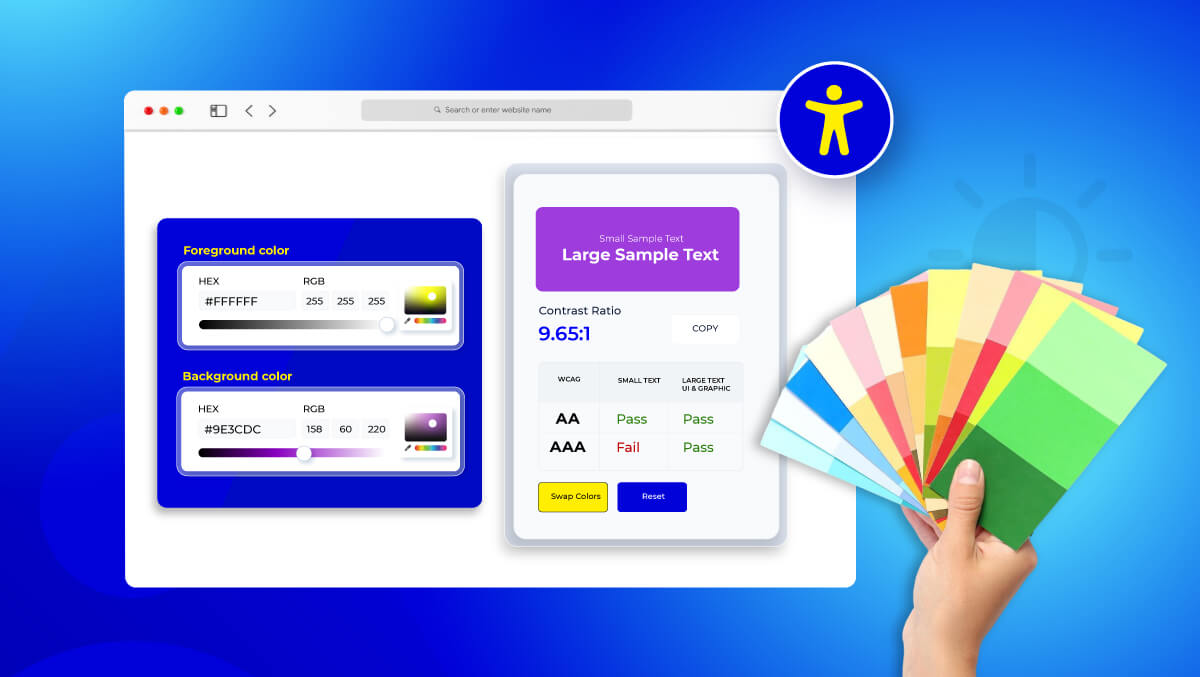
- Color Contrast Checker: Useful when images contain text that needs visual accessibility support.
- WAVE Web Accessibility Evaluation Tool: Highlights missing, empty, or redundant alt attributes.
- axe DevTools: Flag images with missing alt text or decorative images that are incorrectly labeled.
Conclusion
Accessible alt text isn’t just a technical detail, it’s a core part of creating inclusive, user-friendly digital experiences. When marketers commit to clear, meaningful image descriptions, they improve usability, strengthen trust, and support better search visibility.
Curious about your site’s accessibility? Try a free accessibility audit to spot improvements and ensure it works for every user.
FAQs
Alt text describes an image for screen readers and search engines, while captions appear visually under the image to give extra context for all users.
No, only meaningful images need alt text. Decorative images should use empty alt text (alt="") so screen readers skip them.
Most alt text should be under 125 characters. Keep it short, clear, and focused on the image’s essential information.
Yes. Accurate alt text helps search engines understand images, improves image search visibility, and supports overall on-page SEO, but avoid keyword stuffing.
Screen readers read the alt text aloud in place of the image, helping users understand the purpose and meaning of visuals that they cannot see.
Accessible alt text is a clear, concise description that communicates the image’s content or purpose in a way that’s useful for people with visual impairments and assistive technologies.