Audio Description: When to Include It & How
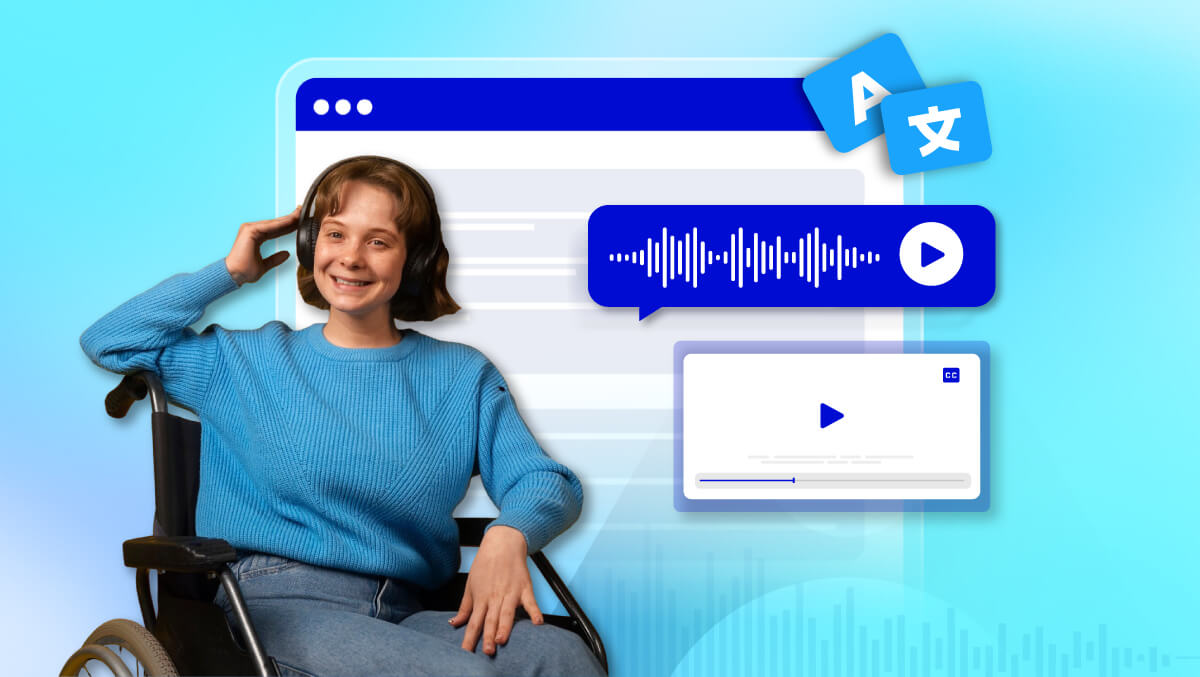
Audio description (AD) is exactly what it sounds like: a spoken guide to the visuals on a screen. It tells you what’s happening, what people are doing, and even what expressions they’re making, so no one is left guessing.
You might think, “Why bother? Can’t people just watch?” Well, not everyone can. People who are blind or have low vision rely on audio description to understand and enjoy videos, webinars, or any visual content.
And here’s the twist: it’s not just for them. Auditory learners, busy multitaskers, or anyone who occasionally prefers listening to watching can benefit, too.
In short, audio description isn’t a luxury. It’s a small addition that makes content more user-friendly for everyone.
If you read this far, I would be glad you read further!
What Audio Description Includes And Describes
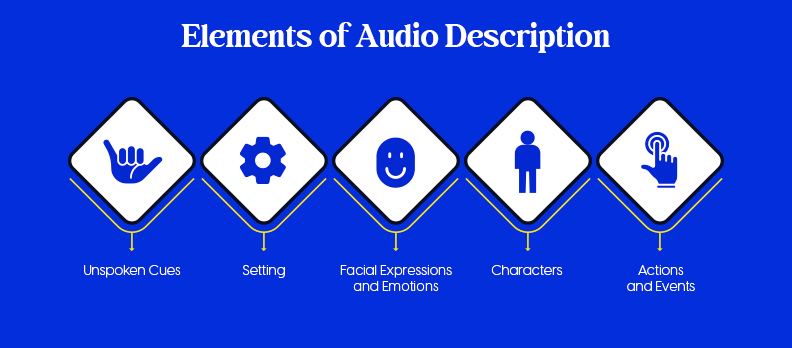
Audio description focuses on the visual elements that are important for understanding the content.
Here’s what it typically covers:
- Setting: Describes the location, background, or environment. For example, whether a scene takes place in a quiet park, a crowded street, or a dark room.
- Characters: Explains what people look like, how they move, their gestures, and even mobility aids if relevant. This helps the audience understand who is who and what they’re doing.
- Actions and Events: Details what is happening on screen and who is performing the actions. This can include everything from someone picking up an object to larger events, such as a crowd reacting to a speech.
- Facial Expressions and Emotions: Note expressions such as smiles, frowns, raised eyebrows, or other body language that convey emotion.
- Unspoken or Non-Verbal Cues: Highlights silent actions or cues that are important to the story, like crossed arms, text on screen, or subtle scene changes.
Each description should be concise, clear, and timed to fit naturally with the flow of the content.
Types of Audio Description
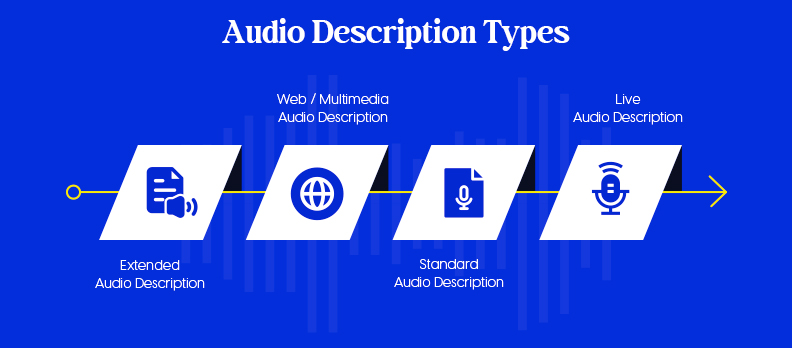
Audio description can take several forms, depending on the content and the audience's needs. The main types are:
- Standard Audio Description: This aligns the narration with the natural pauses in dialogue. It provides enough detail without interrupting the video's flow.
- Extended Audio Description: When more detail is needed, the video may pause or leave extra space to allow the description to explain what is happening fully. This is useful for complex scenes or fast-moving action.
- Web / Multimedia Audio Description: Designed for online content, this describes images, graphics, or interactive elements on websites and multimedia platforms.
- Live Audio Description: For real-time events like theatre performances, broadcasts, or live streams, trained describers provide narration as the event unfolds.
Choosing the right type depends on the content, the audience, and the level of detail needed to make the visuals understandable.
How to Create Audio Description
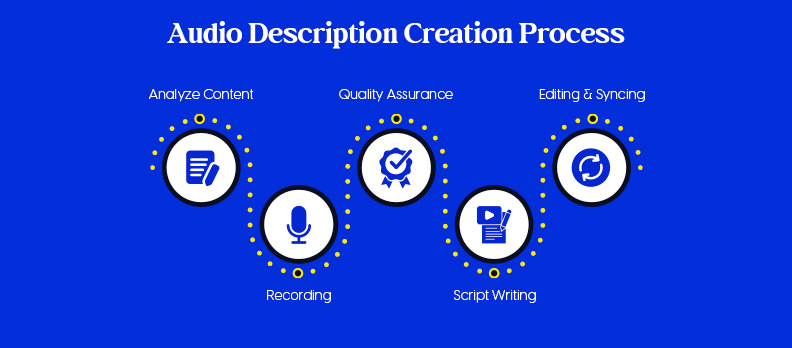
Creating effective audio description involves careful planning and attention to detail.
Here’s a step-by-step approach:
Step 1: Analyze the Content
- Watch the video carefully from start to finish.
- Note all important visual elements, including settings, actions, expressions, on-screen text, and scene changes.
Step 2: Script Writing
- Write short, clear descriptions in simple language.
- Make sure the narration fits into natural pauses in dialogue or leaves extra space if using extended description.
- Stick to objective information, avoid adding opinions or interpretations.
Step 3: Recording
- Choose a clear, easy-to-understand voice, whether a professional narrator or someone with a steady, natural tone.
- Maintain consistent pacing; don’t rush through or drag out descriptions.
Step 4: Editing & Syncing
- Align the description audio precisely with the video timing.
- Ensure the audio description does not overlap or interfere with dialogue or other important sounds.
Step 5: Quality Assurance (QA)
- Review the final video with people familiar with visual impairment or accessibility experts.
- Test whether the descriptions are clear, accurate, and helpful.
- Make revisions as needed to improve timing, clarity, or completeness.
Following these steps ensures that your audio description is valid, accurate, and enhances the viewer’s understanding without being distracting.
How to Turn On And Use Audio Description on Platforms
Audio description is only helpful if viewers can access it easily. Different platforms have different ways to add or enable AD:
- YouTube:
- Go to YouTube Studio → Subtitles → Add Language → Audio to upload an AD track.
- Viewers can select the audio description track if it is available.
- Other Platforms:
- Some platforms may require uploading a separate version of the video with the audio description included.
- Others allow using built-in accessibility settings to add AD.
- Streaming Services (Netflix, Hulu, HBO Max, etc.):
- Most services offer an option to enable audio description in the player settings.
- Viewers can enable or disable it as they prefer.
The key is to make sure your AD track is clearly labelled and easy to find. This ensures that viewers who need it can access it without confusion.
Difference Between Audio Description, Subtitles, and Transcripts
Audio description is often confused with subtitles or transcripts, but each serves a different purpose:
| Feature | Audio Description (AD) | Subtitles / Captions | Transcripts |
| Format | Spoken narration | Text on screen | Written document |
| Purpose | Explains visual elements (actions, expressions, settings) | Shows spoken dialogue and important sounds | Complete record of spoken content, sometimes including sound cues |
| Audience | People who are blind or have low vision, and others who prefer audio | People who are deaf or hard of hearing | Anyone needing a written reference of the content |
| How it’s used | Played along with the video | Displayed on screen during playback | Read separately from the video |
| Unique benefit | Provides context for visuals so viewers understand what’s happening | Helps viewers follow the audio without sound | Provides a complete written record of dialogue and sounds |
Conclusion
Audio description is a simple but powerful tool that makes visual content accessible and inclusive. It ensures that people who are blind or have low vision can follow the story, understand actions, and fully experience the content.
You should include audio description whenever visual details are important to understanding your content or when accessibility compliance is required.
Performing an accessibility audit of your videos can help identify which content needs audio description and ensure that all accessibility requirements are met.
The process is straightforward: analyze the content, write a clear script, record the narration, carefully edit and sync it, and perform quality checks before publishing.
Accessibility doesn’t have to be complicated, but it does need to be intentional!
FAQs
Audio description (AD) is a spoken narration that explains visual elements of a video, including actions, settings, characters, and expressions. It helps people who are blind or have low vision understand what’s happening on screen.
Primarily, people who are blind or have low vision benefit. However, auditory learners, multitaskers, and anyone who prefers listening can also find it helpful.
The process involves analyzing your content, writing a clear script, recording the narration, editing and syncing it with the video, and performing a quality check. Many platforms allow you to upload an AD track or enable it through accessibility settings.
Audio description provides spoken information about visuals, subtitles show dialogue and sounds in text, and transcripts are written records of the content. Only AD gives context for the visual elements.
Not every video needs it. Videos with important visual details, storytelling, or instructional content should include AD.
Yes, for small projects or short videos, you can create your own AD by following simple steps: script the visuals, record narration, sync it with the video, and review it. For larger projects, professional services or tools may be more efficient.